Pick your prompts
Choose the questions Subsig will ask AI on your behalf.
Prompts are the questions people ask AI tools when they look for something you offer. Subsig asks them for you on a schedule and records whether your brand shows up in the answer.
Suggested prompts
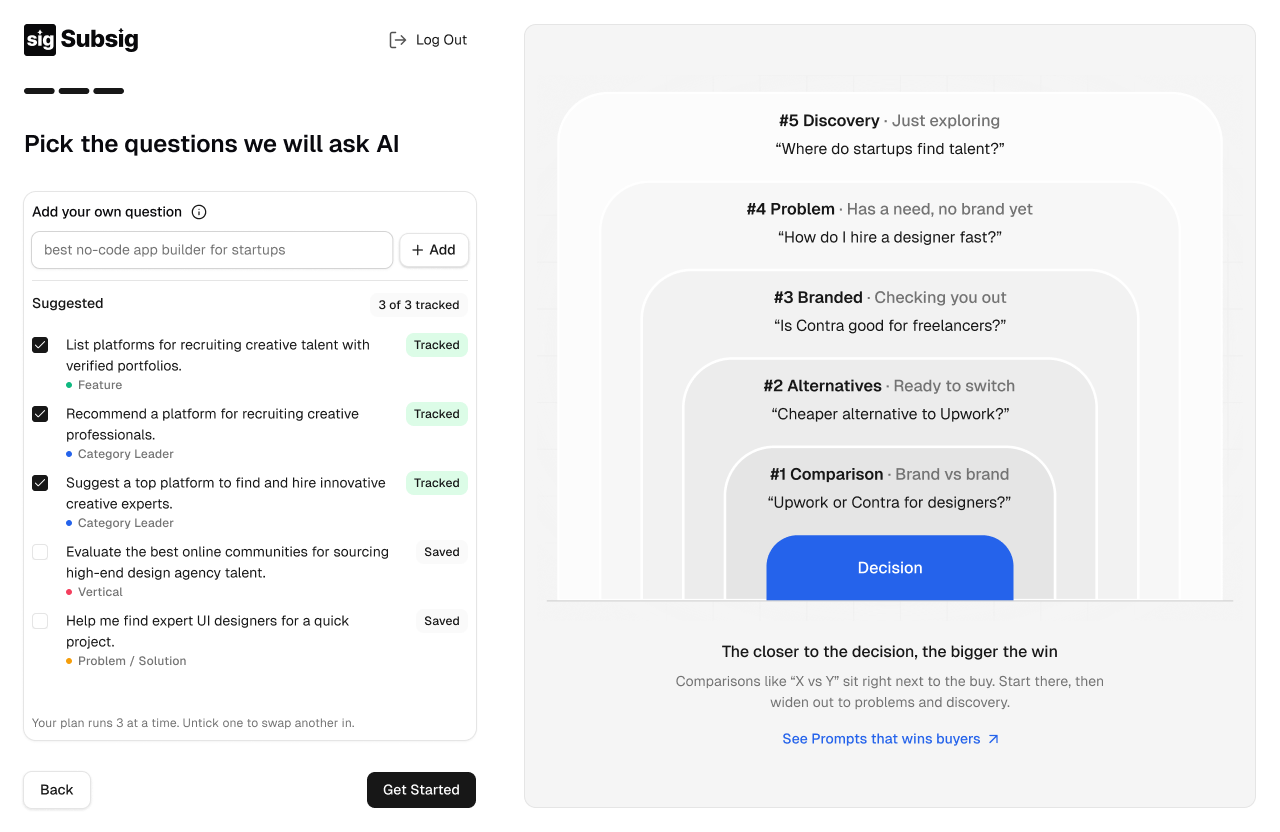
We suggest prompts based on your brand and category. Each one is labeled with the kind of question it is.
Label | What it captures |
|---|---|
Category Leader | Who buyers see as the top choice in your category. |
Feature | Questions about a specific capability. |
Vertical | Questions specific to an industry or audience. |
Problem / Solution | A need described without naming any brand. |
Tick a prompt to track it. Tracked prompts are marked Tracked. Prompts you leave unticked are marked Saved, so you can swap them in later.
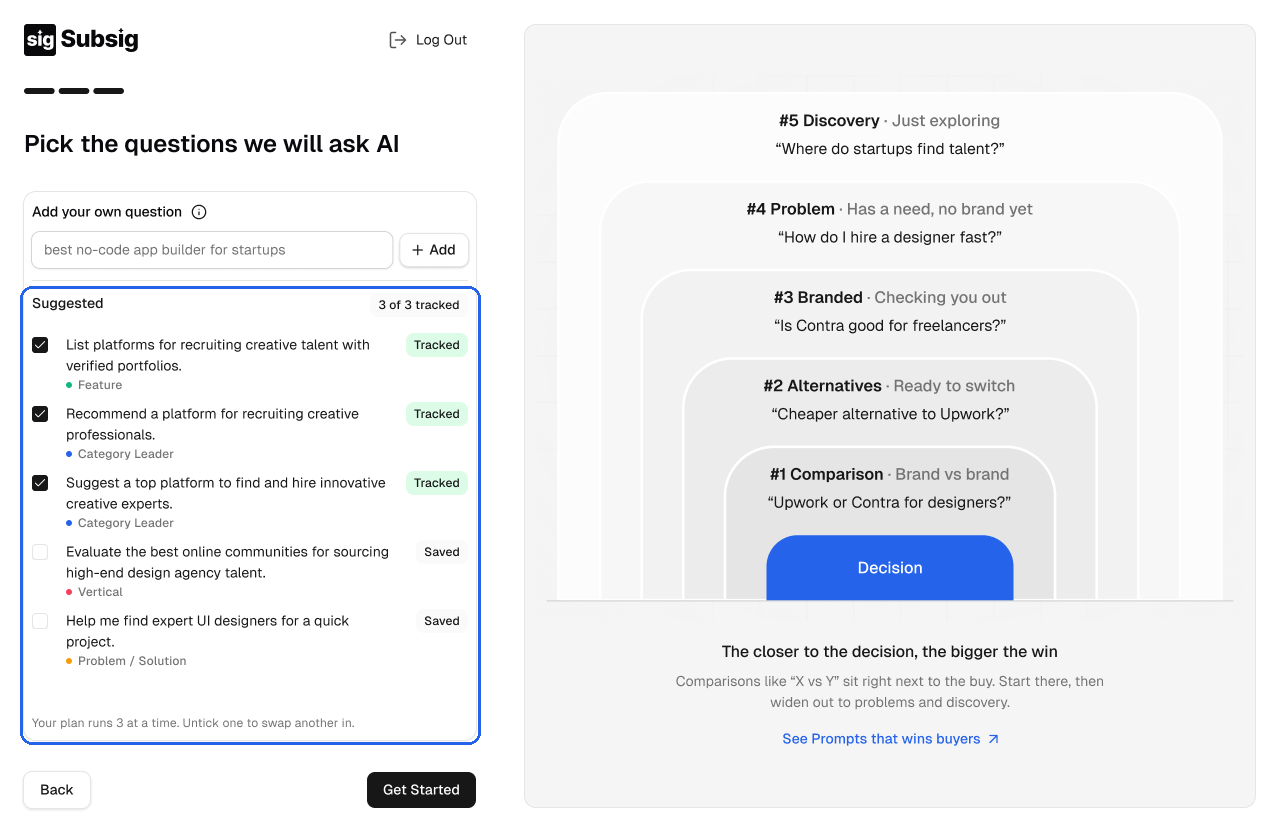
Your plan tracks a set number of prompts at a time. The counter at the top of the list shows how many you're using, for example 3 of 3 tracked. To track a different one, untick a prompt first.
Add your own question
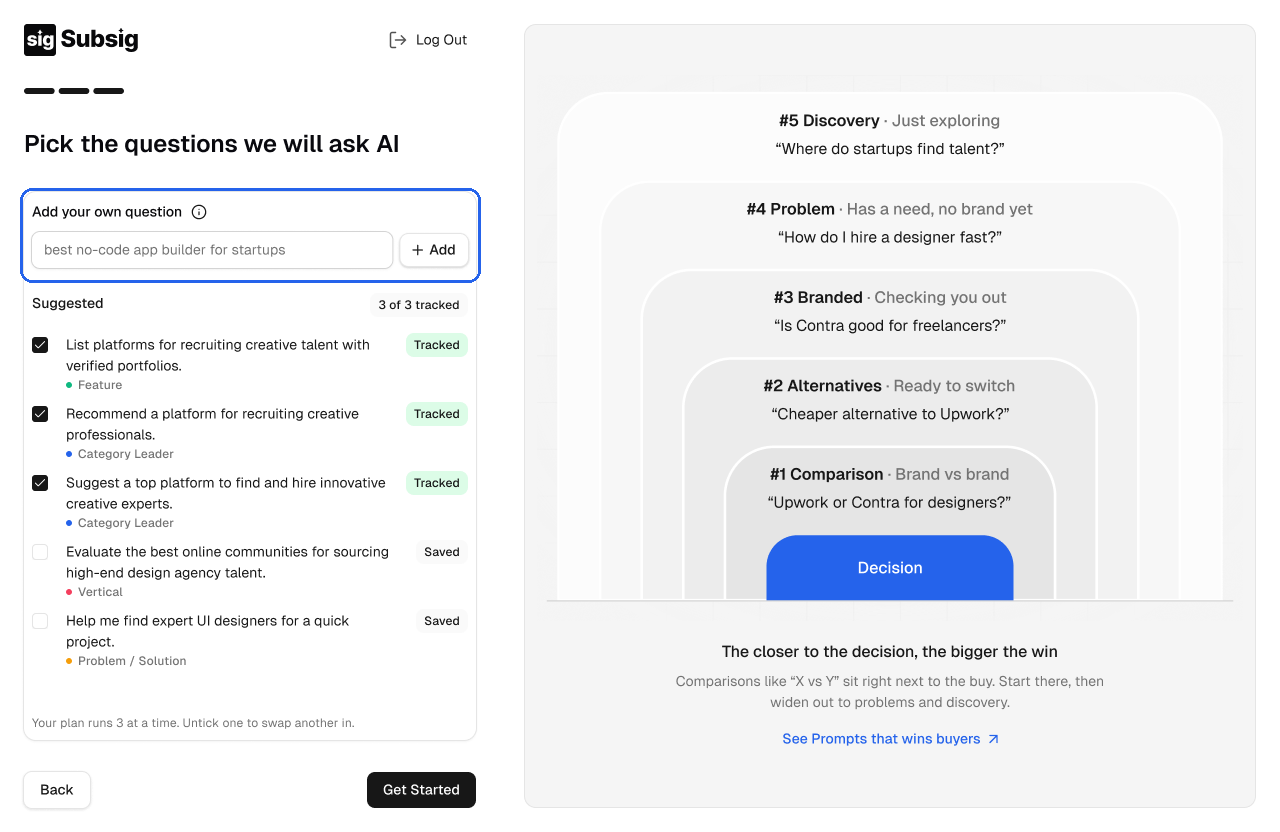
Type a question under Add your own question and click Add. Write it the way a buyer would ask it, and leave your brand name out.
Which questions matter most
The panel on the right orders questions by how close they are to a buying decision, starting with the closest:
Comparison: brand vs brand, for example "Upwork or Contra for designers?"
Alternatives: ready to switch, for example "Cheaper alternative to Upwork?"
Branded: checking you out, for example "Is Contra good for freelancers?"
Problem: has a need but no brand yet, for example "How do I hire a designer fast?"
Discovery: just exploring, for example "Where do startups find talent?"
Comparisons sit right next to the purchase. Start there, then widen out to problems and discovery. Click Get Started when you're done.
💡 Read how to choose the right prompts to track on our blog for more examples.