Billing and Subscriptions
See your plan and usage, and add AI platforms or prompts.
Go to Settings → Billing & Subscriptions. The page has three tabs: Usage, Plans and Done For You.
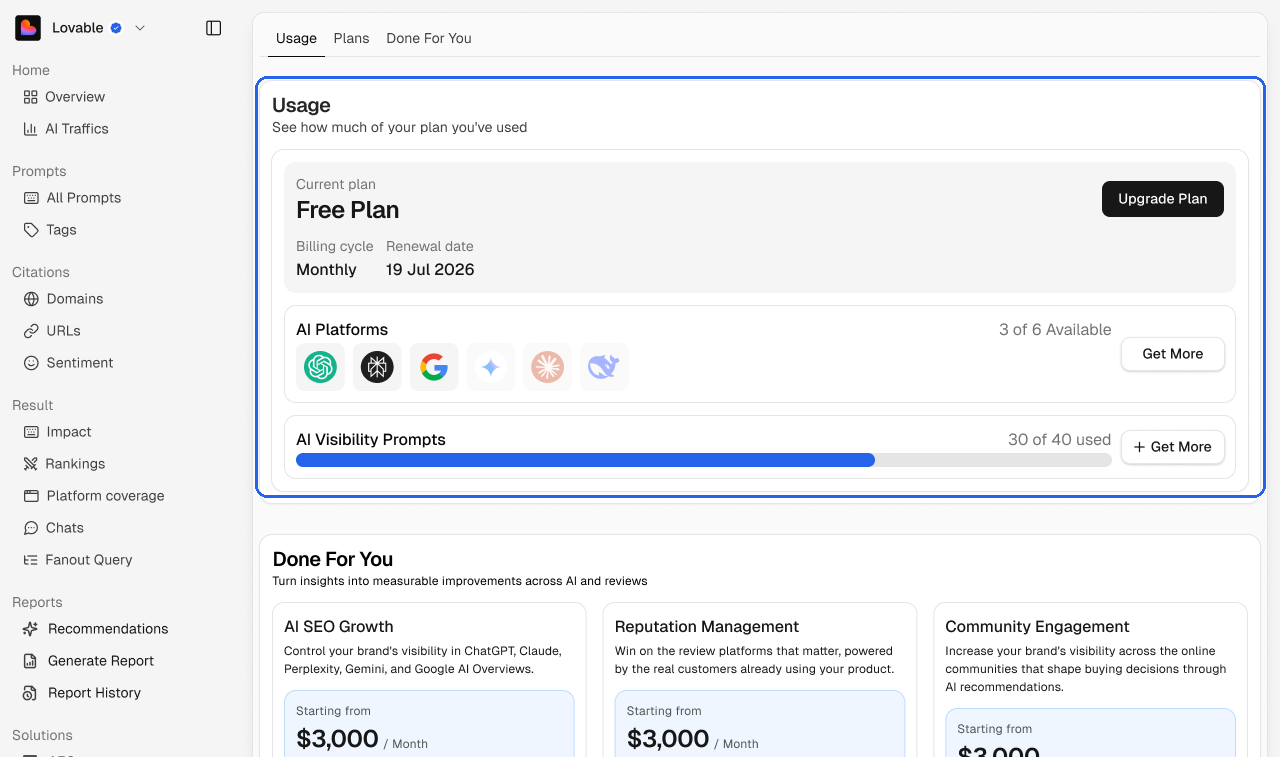
Your plan
The top of the Usage tab shows your current plan, billing cycle and renewal date. Click Upgrade Plan to change plans.
AI platforms
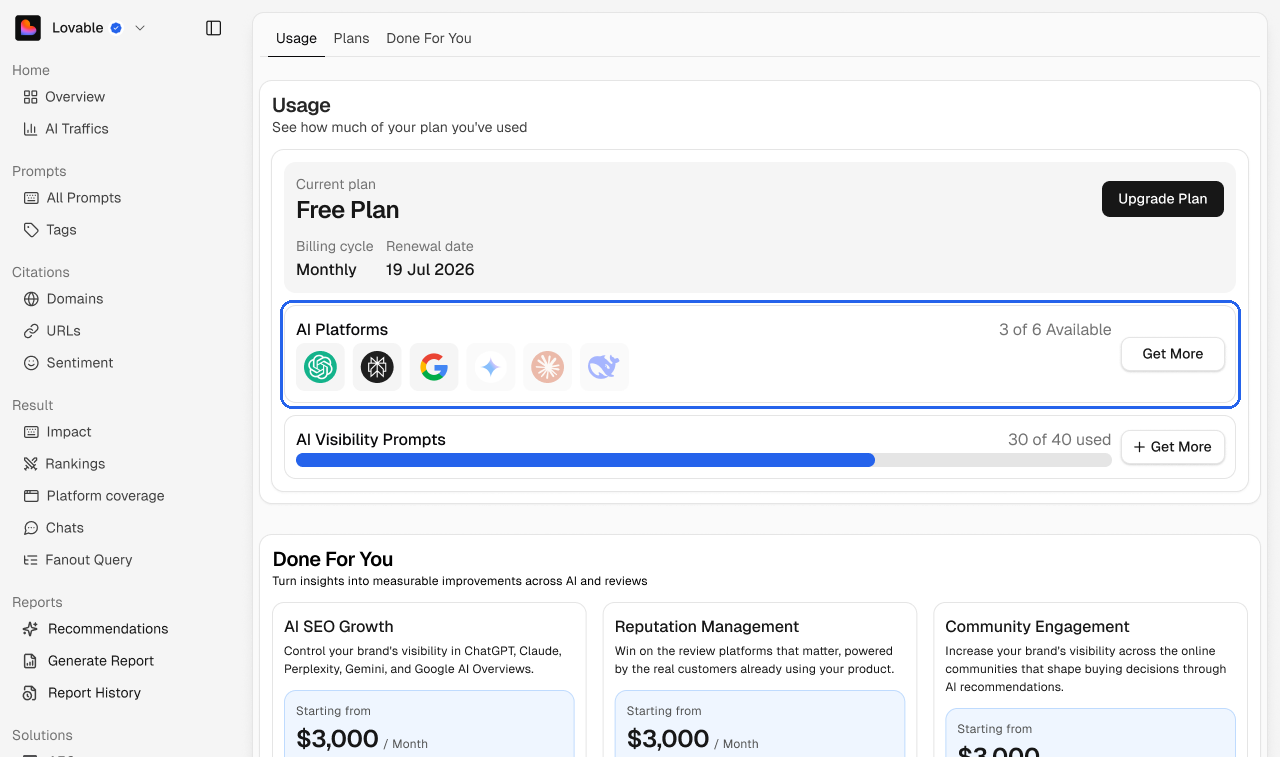
The platforms your plan includes, for example 3 of 6 Available. Hover a logo to see its name. Click Get More to add platforms.
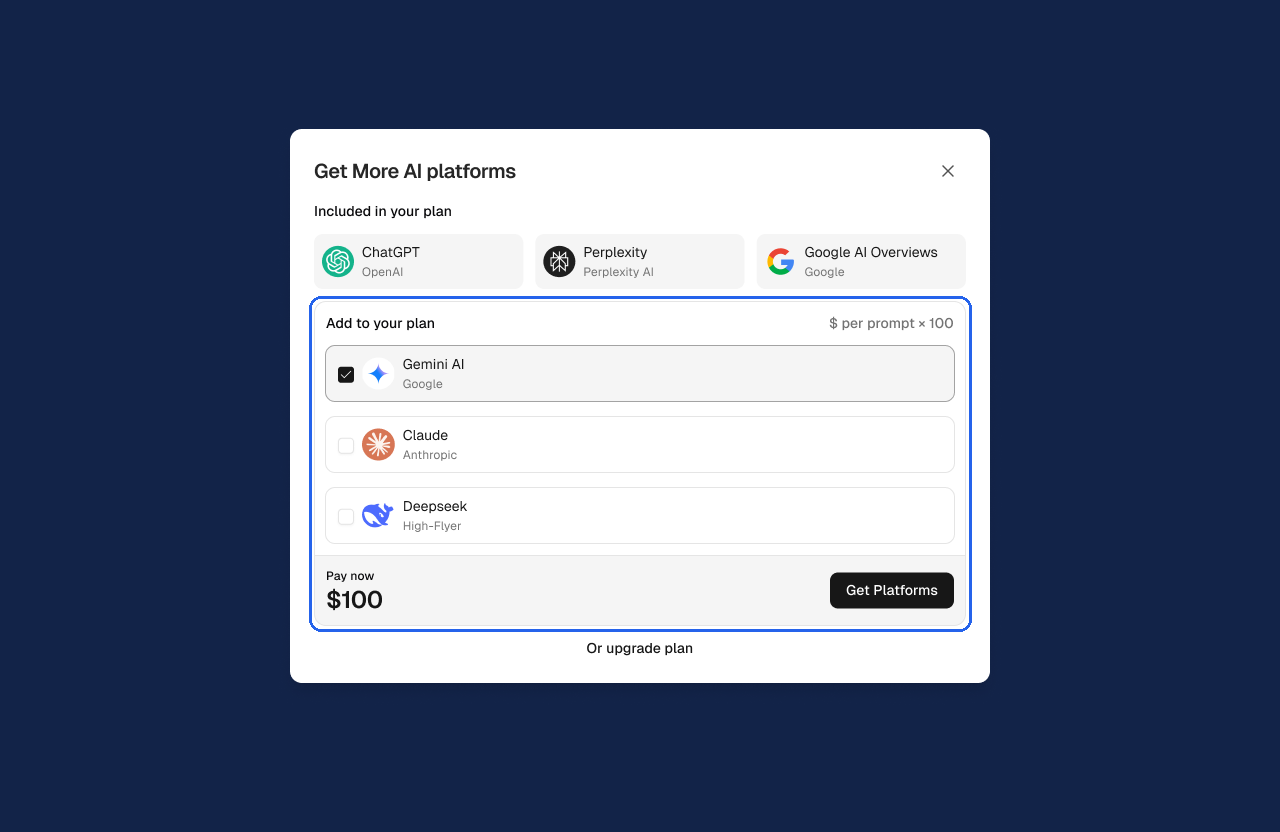
Under Add to your plan, tick the platforms you want, for example Gemini, Claude or Deepseek.
Check the amount under Pay now.
Click Get Platforms. Or choose Or upgrade plan to move to a plan that includes them.
AI visibility prompts
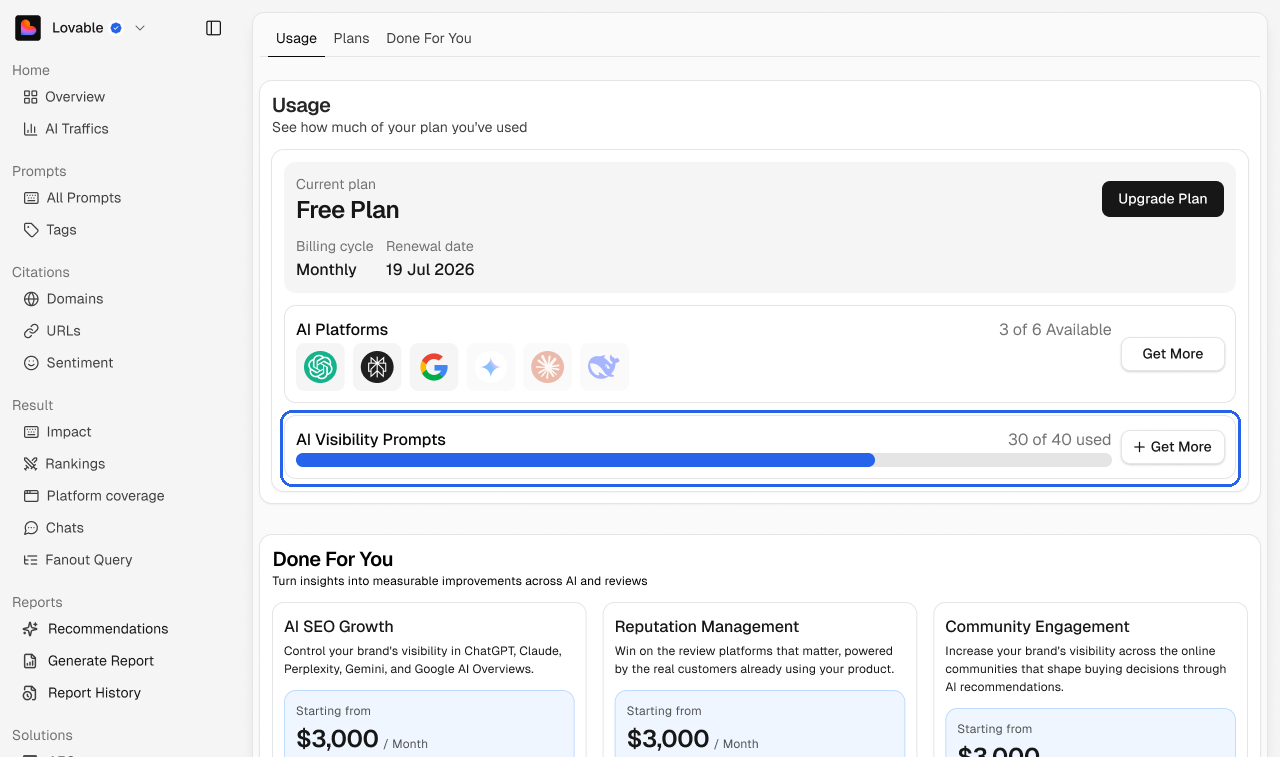
How many prompts you're tracking out of your plan's limit, for example 30 of 40 used. Click Get More to add prompts.
Done For You
Programs run by the Subsig team. See Done for You.