Generate Report
Run an agent on demand and get a report you can share.
Generate Report is your library of agents. Each one investigates a specific question and returns a formatted report. The number on each card shows how many times it has run.
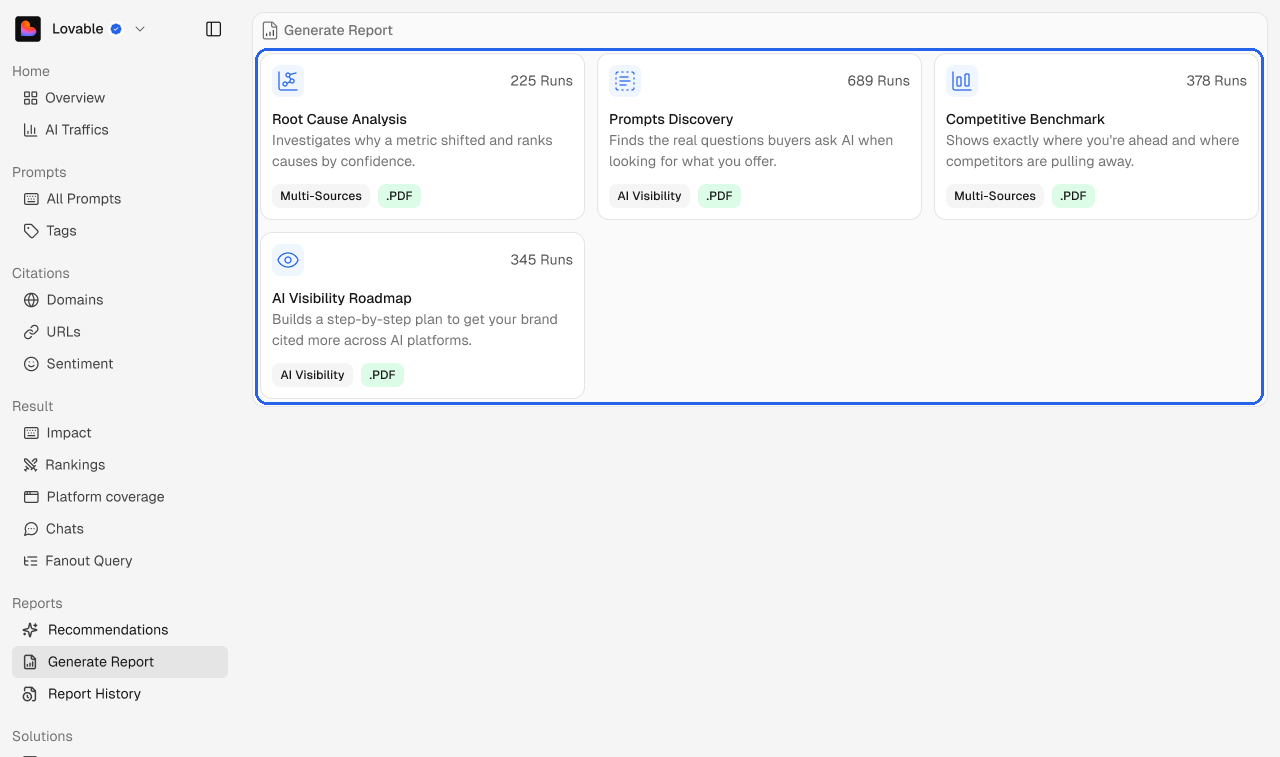
Agent | What it does |
|---|---|
Root Cause Analysis | Investigates why a metric shifted and ranks the causes by confidence. |
Prompts Discovery | Finds the real questions buyers ask AI when they look for what you offer. |
Competitive Benchmark | Shows exactly where you're ahead and where competitors are pulling away. |
AI Visibility Roadmap | Builds a step-by-step plan to get your brand cited more across AI platforms. |
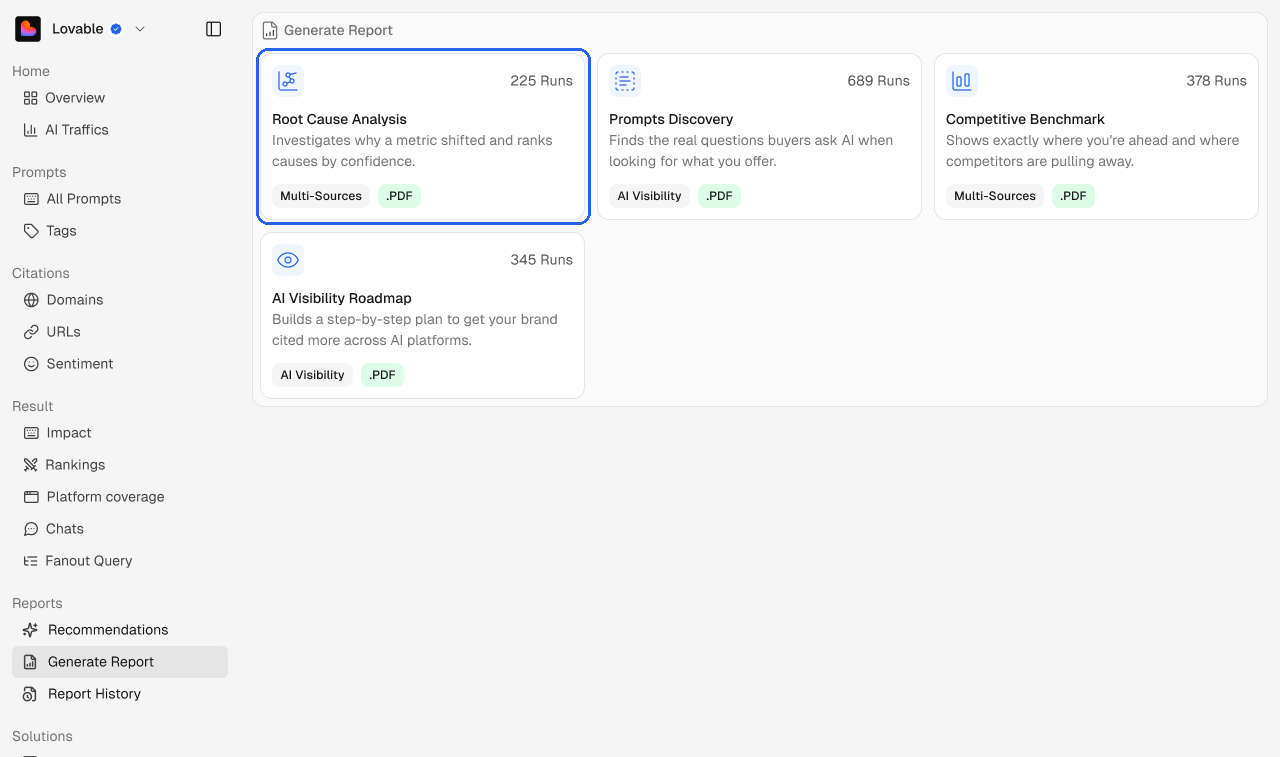
The labels on each card show the data the agent uses (Multi-Sources or AI Visibility) and the file it produces.
Run an agent
Open an agent, set what it should look at, and run it. It works in the background and adds the finished report to Report History.