Report History
Every report you've generated, in one searchable list.
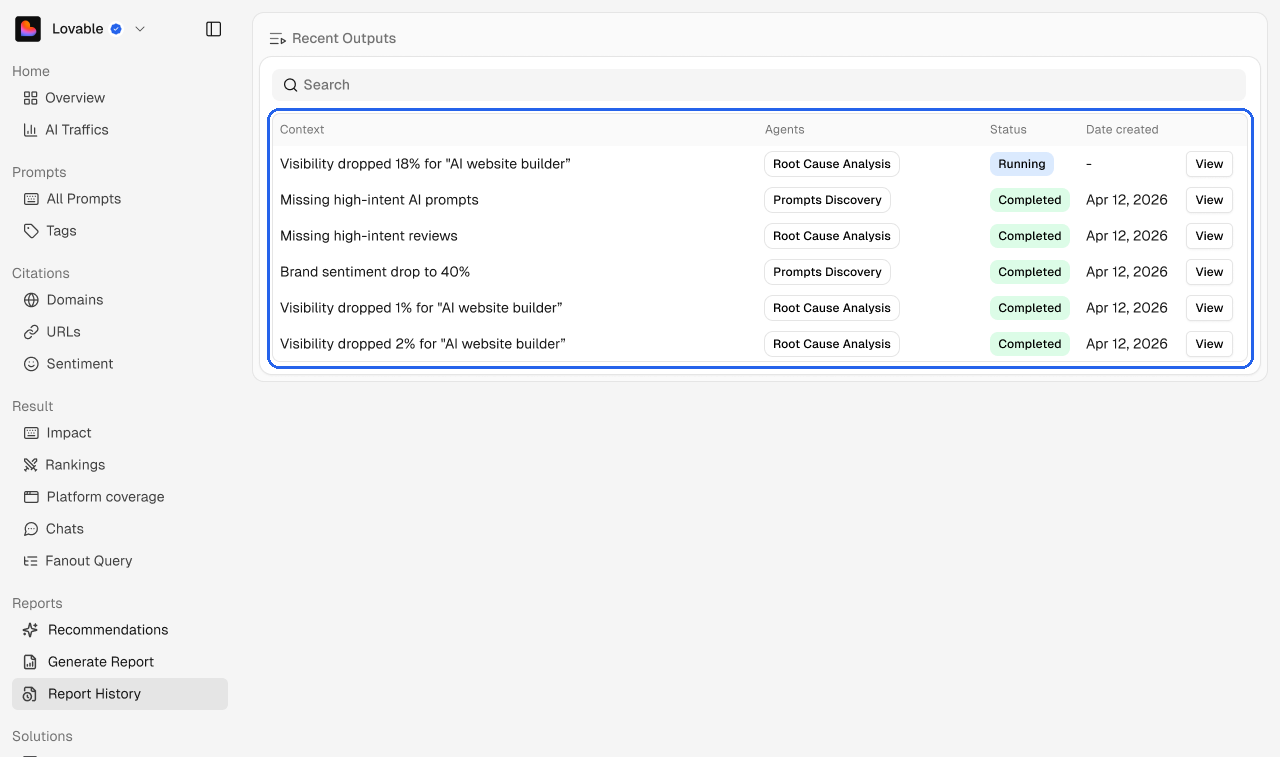
Report History is where finished agent runs live. Each row shows the context the agent investigated, the agent that ran, its status, and the date it was created.
Status
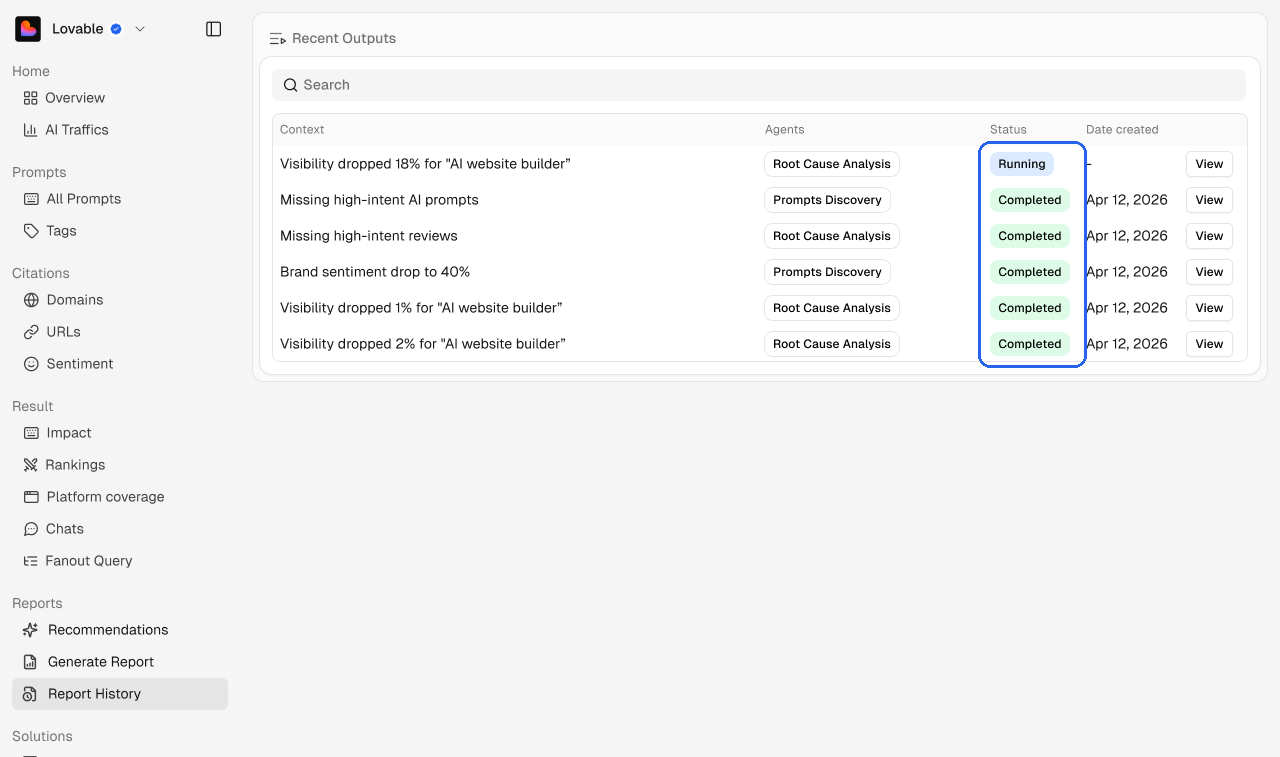
Status | What it means |
|---|---|
Running | The agent is still working. The date fills in when it finishes. |
Completed | The report is ready. Click View to open it. |
Use Search to find an old report by its context.