Create your account
Sign up with Google, LinkedIn or your work email, then confirm your address.
Go to app.subsig.com to create your Subsig account. Setup takes a few minutes and you only do it once.
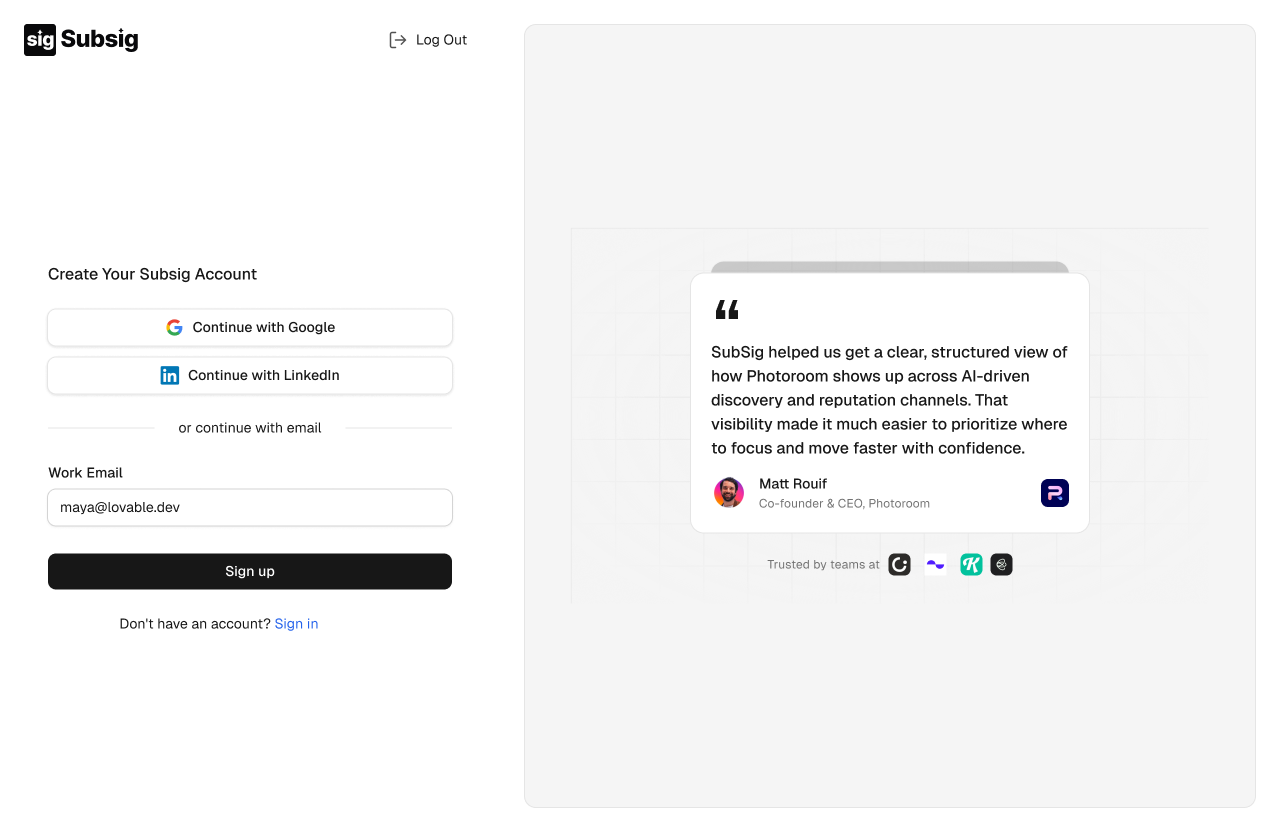
Sign up
Click Continue with Google or Continue with LinkedIn to sign up with an account you already have.
Or enter your Work Email and click Sign up.
💡 Use your work email. Subsig uses your company domain to understand which brand you represent.
Verify your email
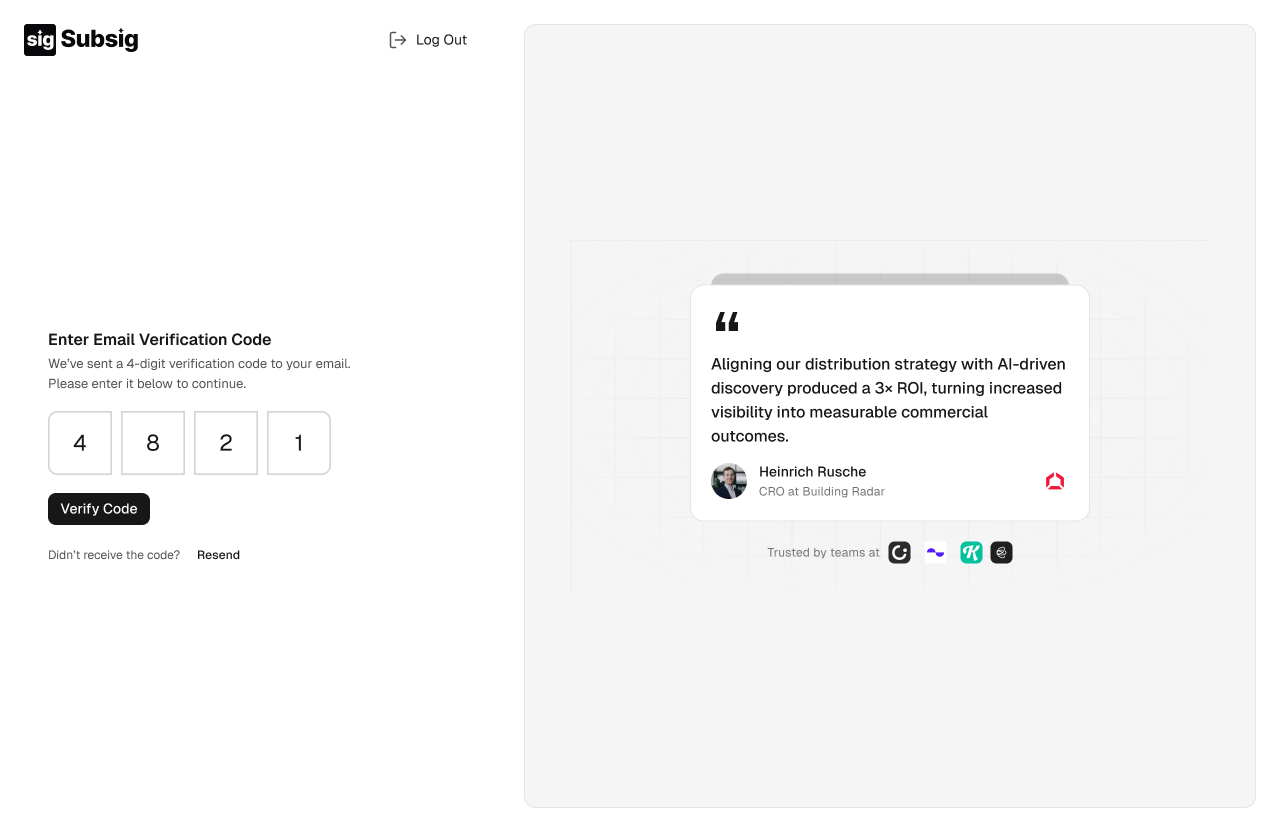
We send a 4-digit code to your inbox. Enter it and click Verify Code. If it doesn't arrive within a minute, check your spam folder, then click Resend.
Next, tell us about you.