Create your workspace
Add your brand and choose how Subsig learns about it.
A workspace holds one brand, with its own prompts, competitors, reports and settings. In this step you create your first one.
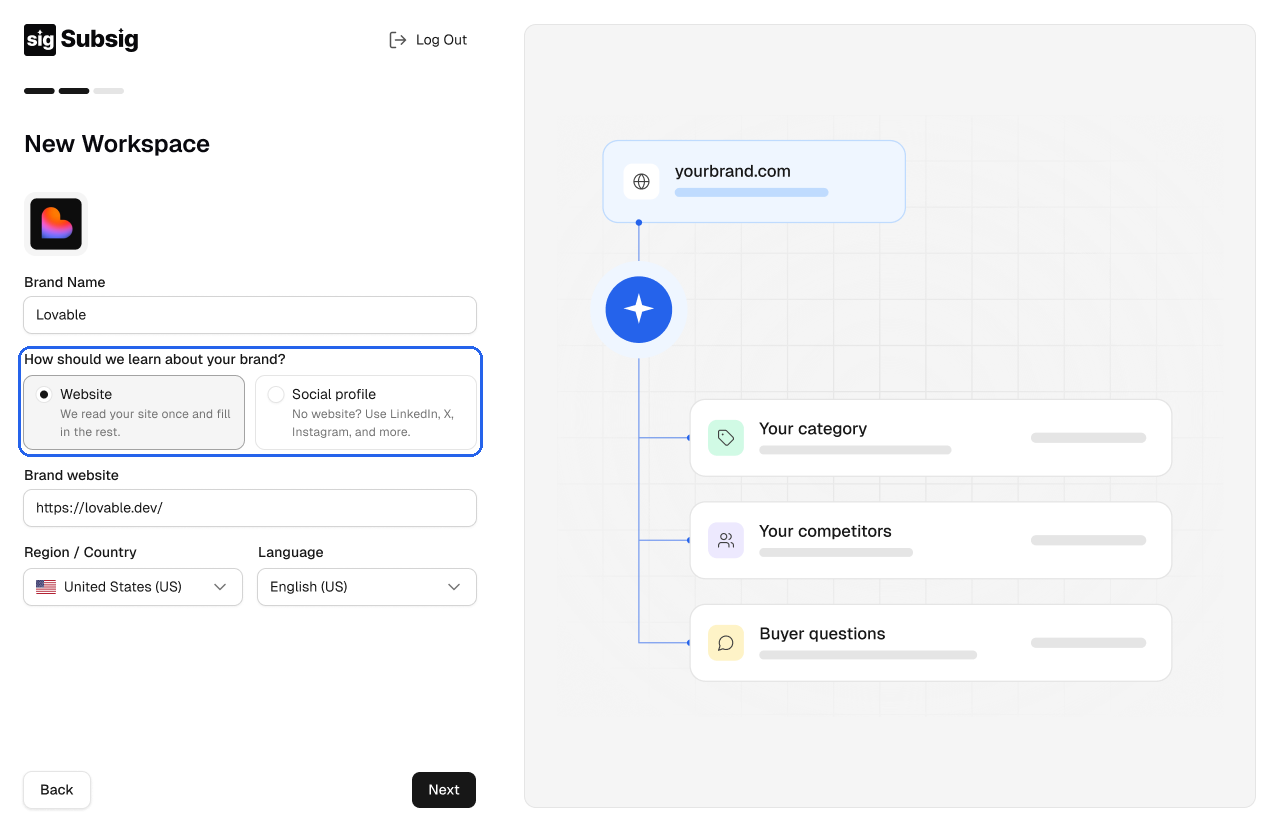
Add your brand
Upload a logo. It's optional, and it helps you tell workspaces apart later.
Enter your Brand Name.
Under How should we learn about your brand?, choose Website or Social profile.
Website or social profile
Choose Website if your brand has its own site, then enter it under Brand website. We read your site once and fill in the rest: your category, your competitors and the questions your buyers ask.
Choose Social profile if you don't have a website yet. Add one or more public profiles, for example LinkedIn, X or Instagram, and click Add social profile to add another.
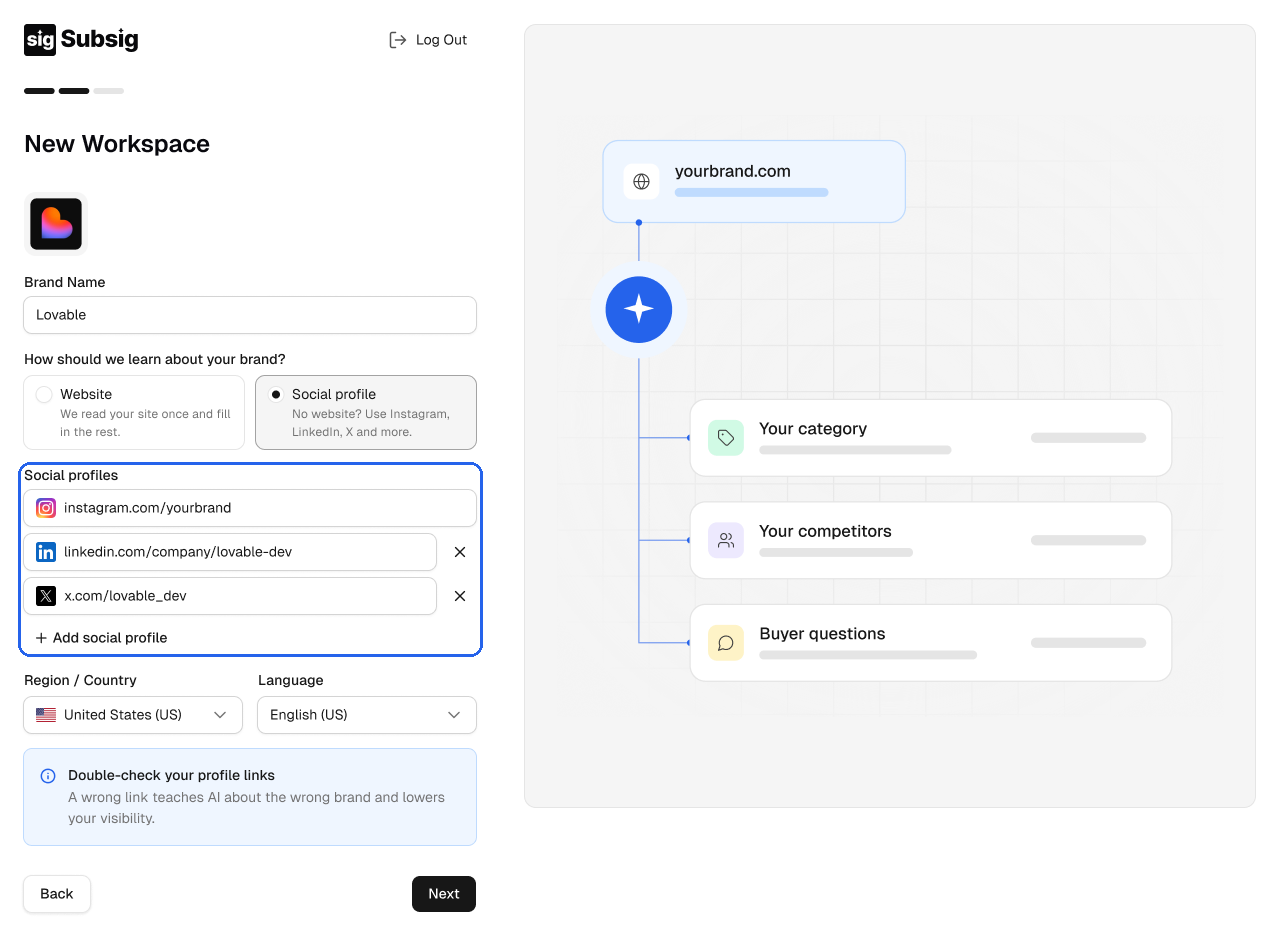
Enter the full profile link, for example linkedin.com/company/yourbrand. You need at least one profile to continue.
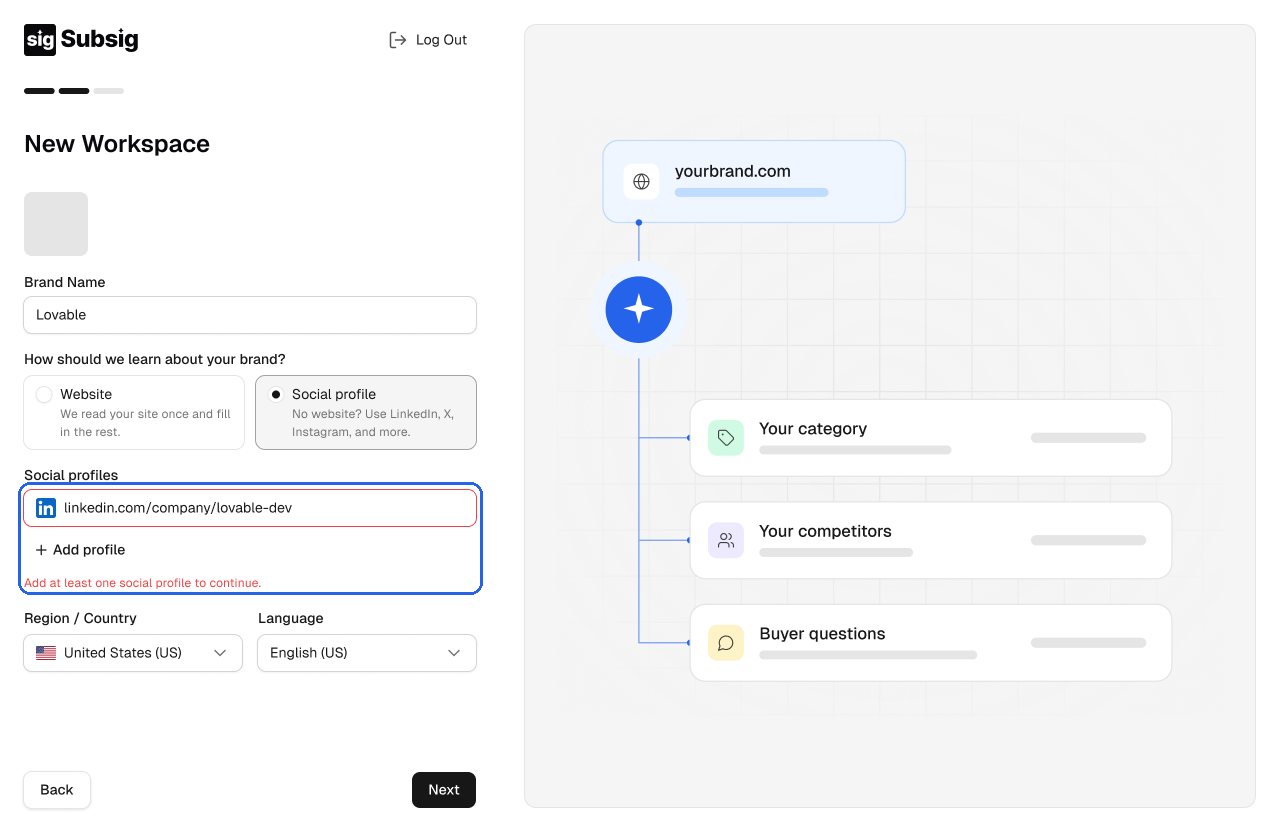
💡 Double-check your profile links. A wrong link teaches AI about the wrong brand and lowers your visibility.
Region and language
Choose the Region / Country and Language your buyers use. Subsig asks AI your prompts from that market, in that language. You can set a different region for a single prompt later, in All Prompts.
Click Next.