Account and Workspaces
Update your organization details, your own profile, and your password.
Go to Settings → Account and Workspaces.
Organization
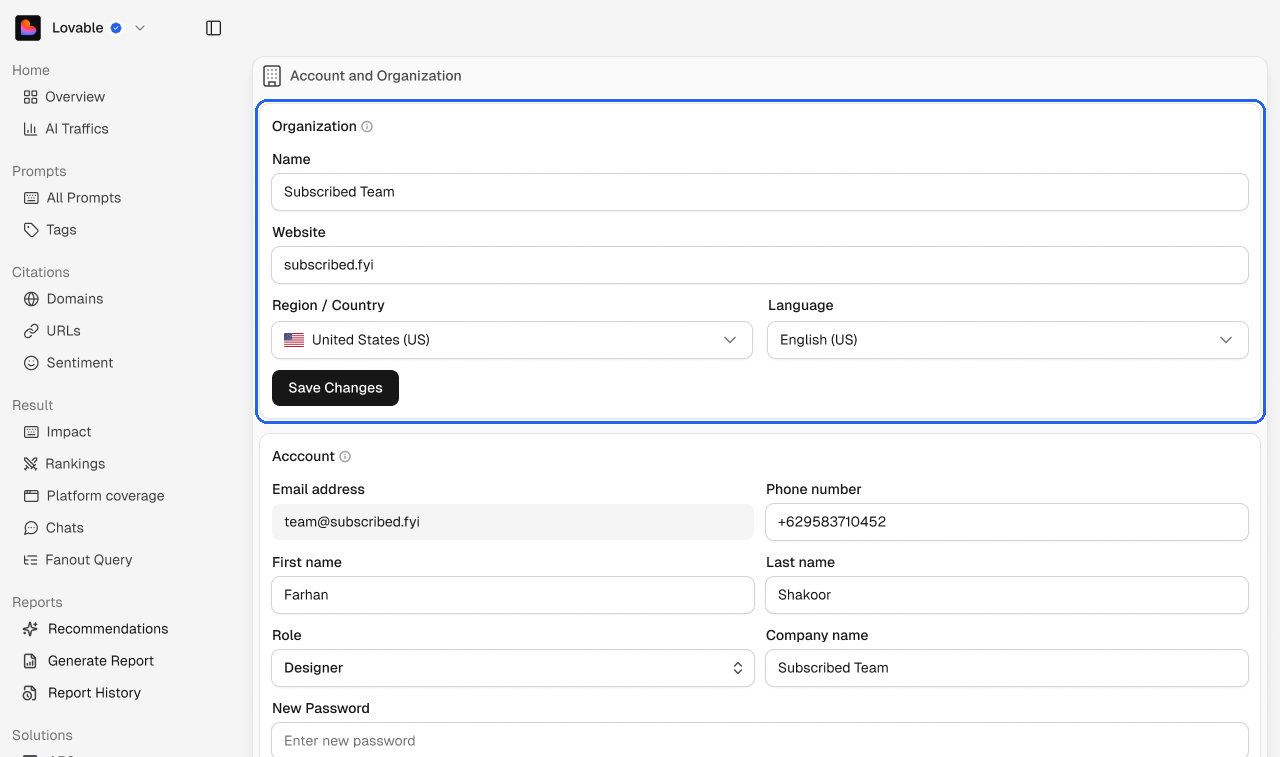
Edit your organization Name, Website, Region / Country and Language, then click Save Changes.
💡 Your organization and your brand are separate. Renaming one doesn't change the other. Brand details live in Brand settings.
Account
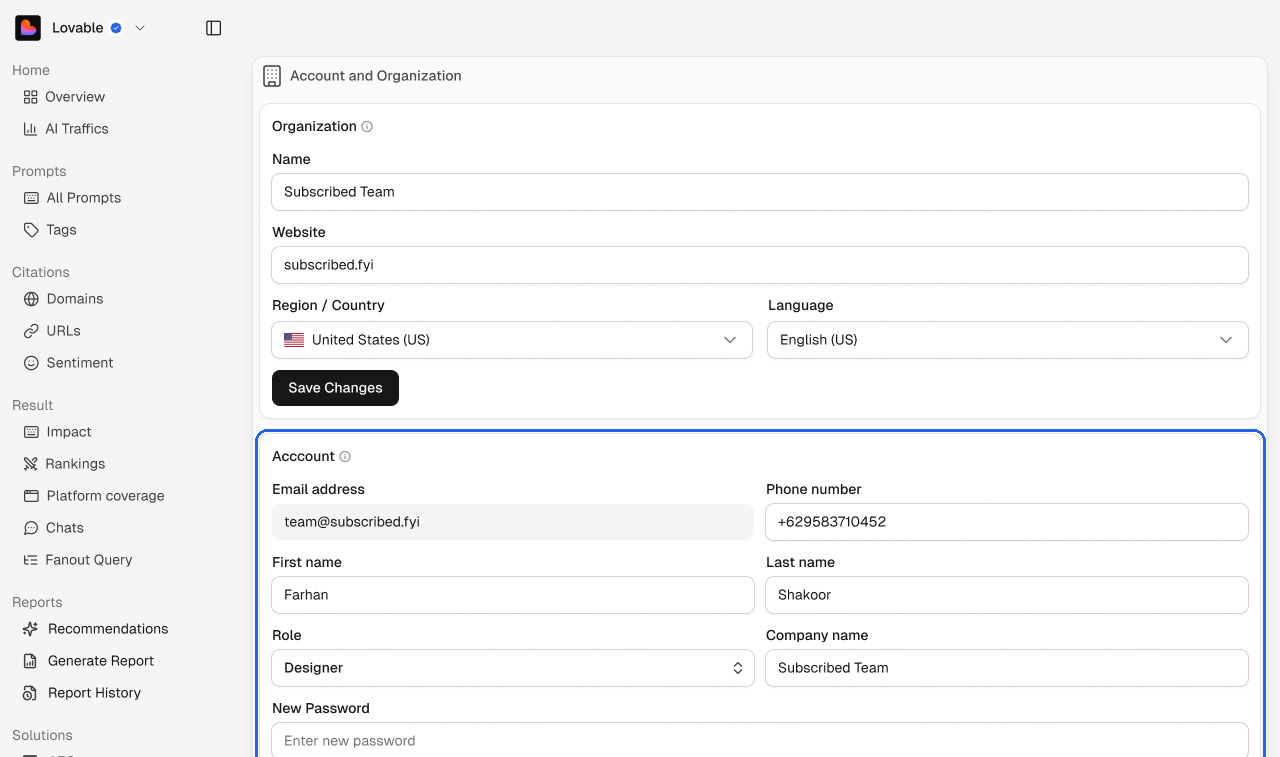
Update your phone number, name, role and company name. Your email address can't be changed here. To change your password, enter the new one twice and click Save Changes.
Delete your account
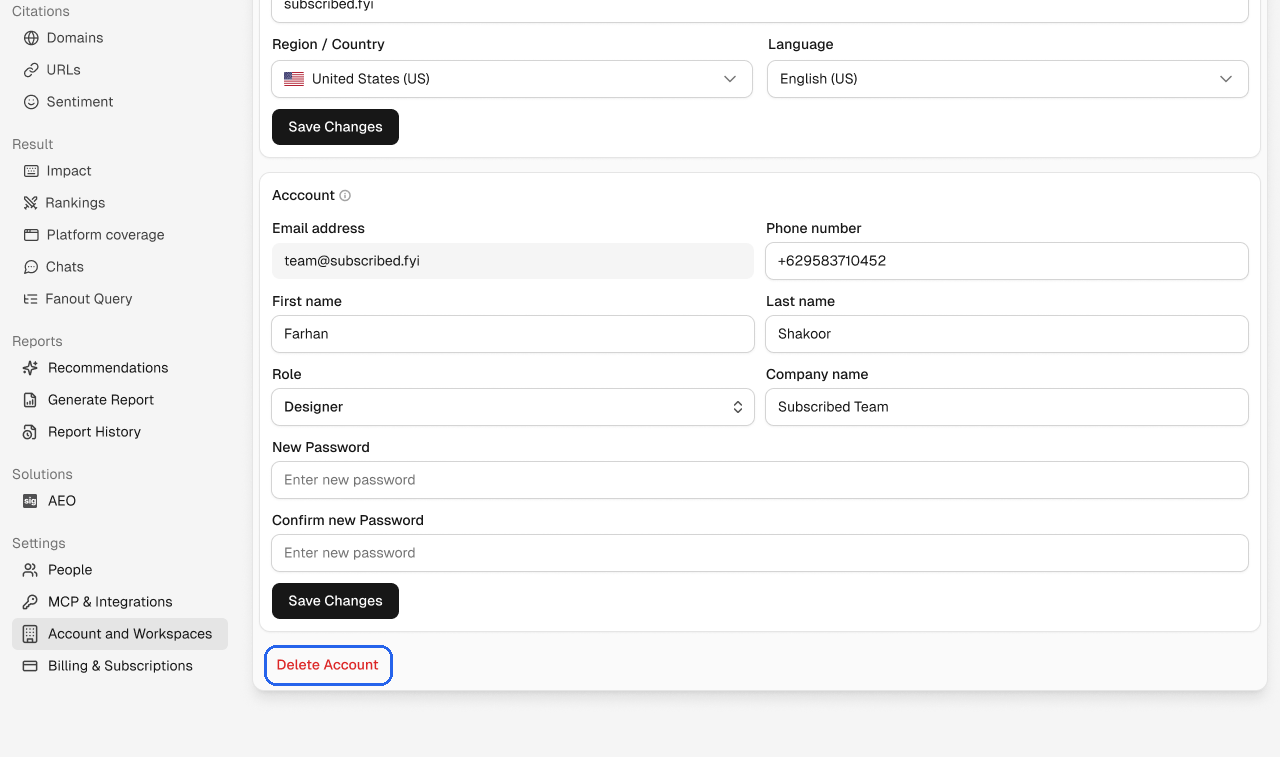
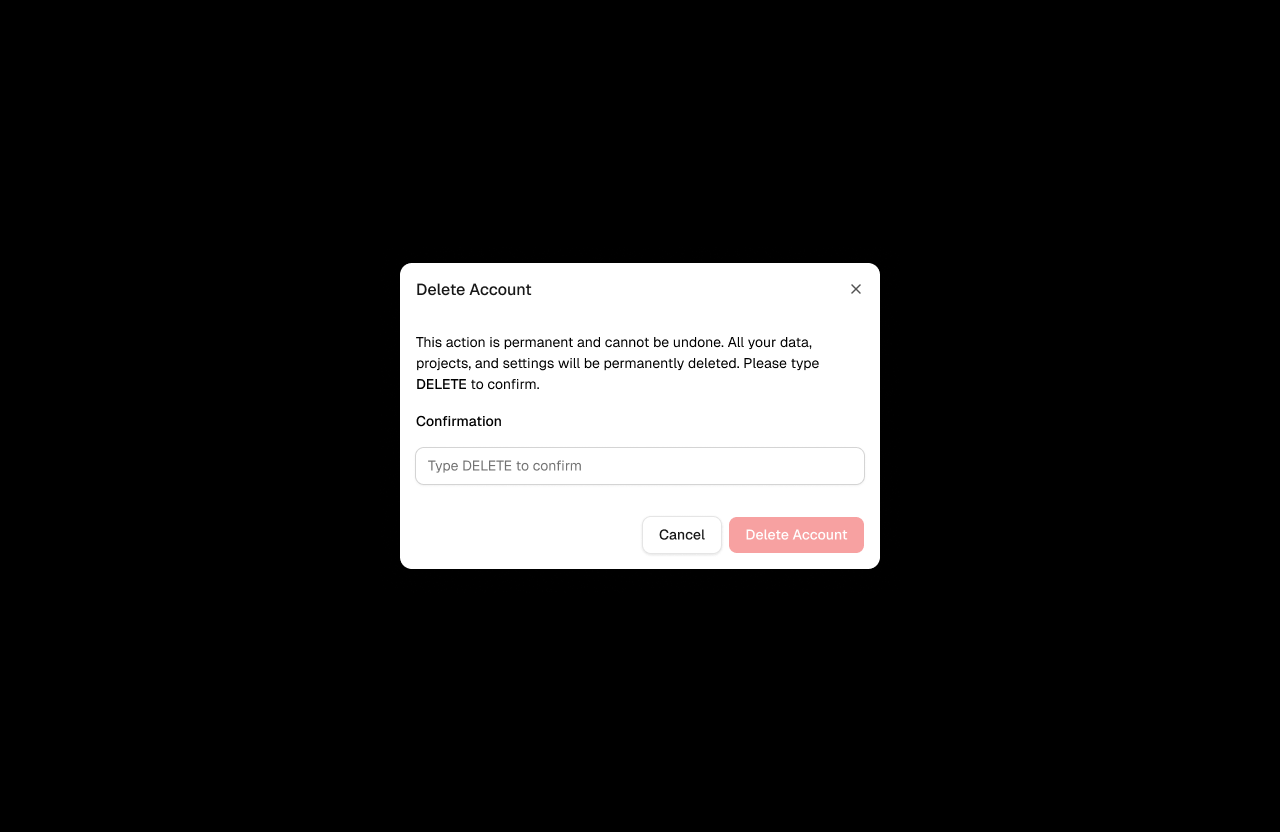
Click Delete Account at the bottom of the page. Type DELETE to confirm, then click Delete Account. This permanently deletes your data, projects and settings, and can't be undone.