Brand settings
Keep your brand name, logo, sources and market up to date.
Your brand details live on the My Brand and Competitors page.
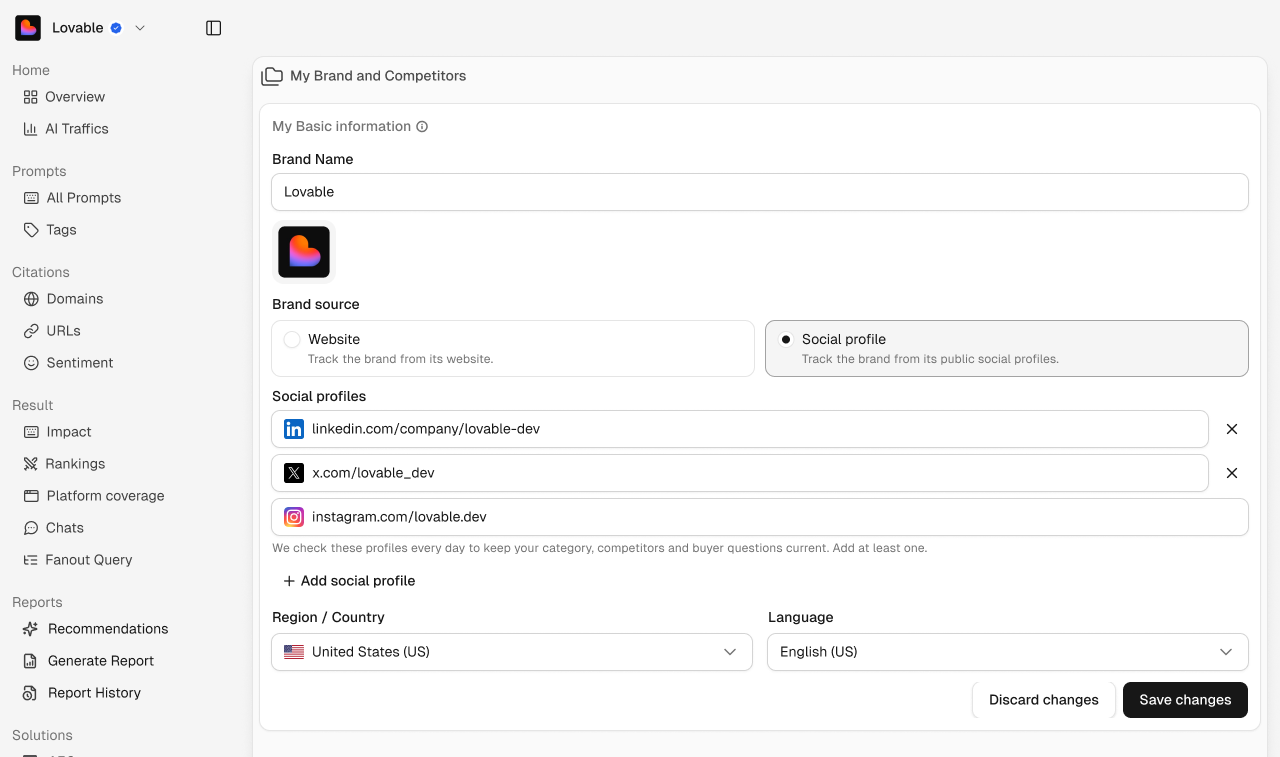
Brand name and logo
Update your brand name and logo. The logo appears in the workspace switcher and next to your brand in every report.
Brand source
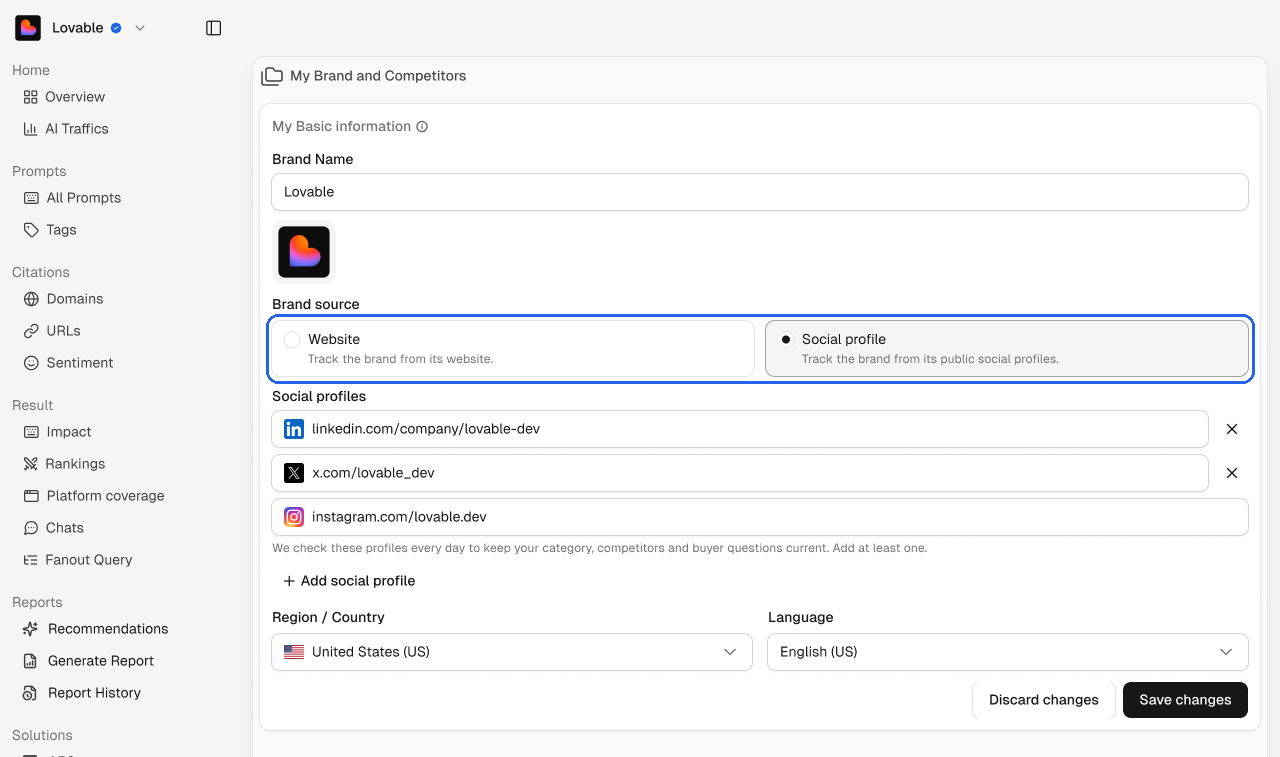
Choose Website to track your brand from its website, or Social profile to track it from its public social profiles.
Social profiles
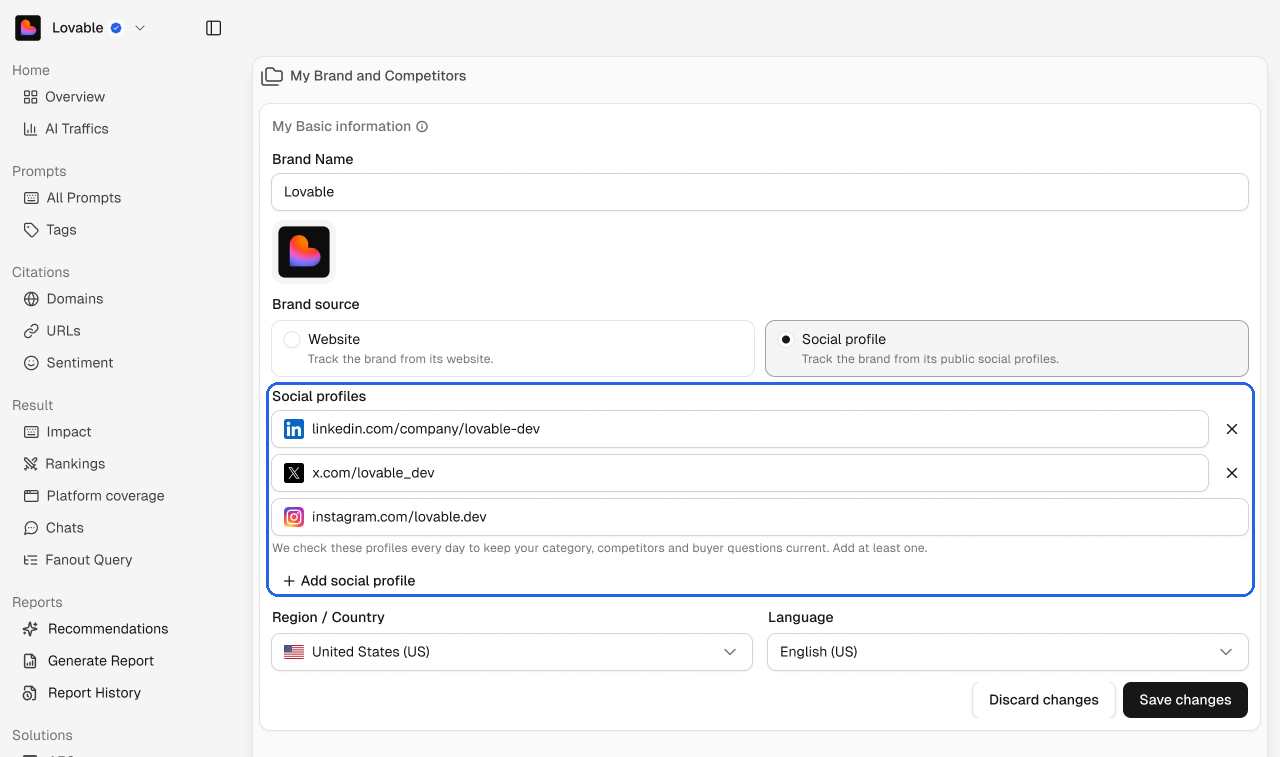
We check these profiles every day to keep your category, competitors and buyer questions current. Add at least one, and click Add social profile to add more.
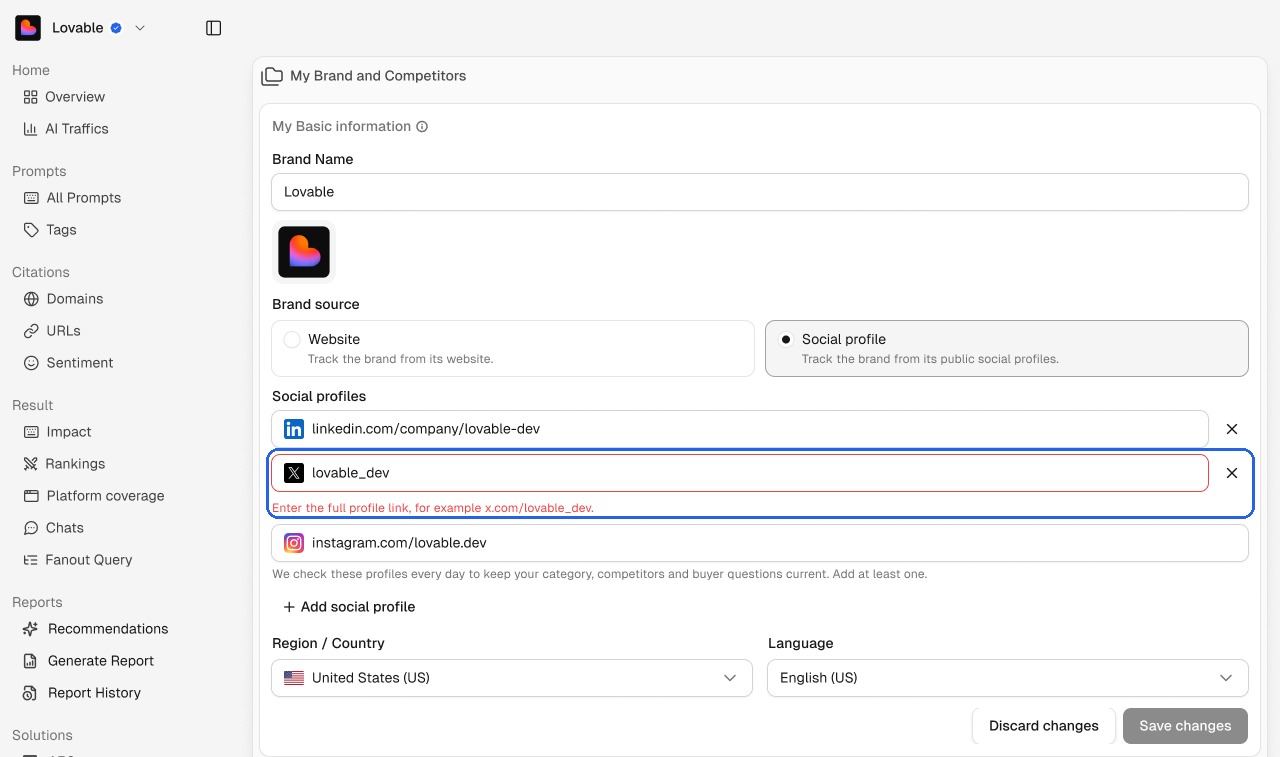
Use the full profile link, for example x.com/yourbrand. A handle on its own won't work.
Region and language
The default market for new prompts. See Region and language.
Click Save changes to apply, or Discard changes to undo. Delete Brand removes the brand from the workspace.