Reviews
Reviews Overview
A single dashboard showing review volume, ratings, velocity, and competitive ranking.
Go to Review Platform → Overview.
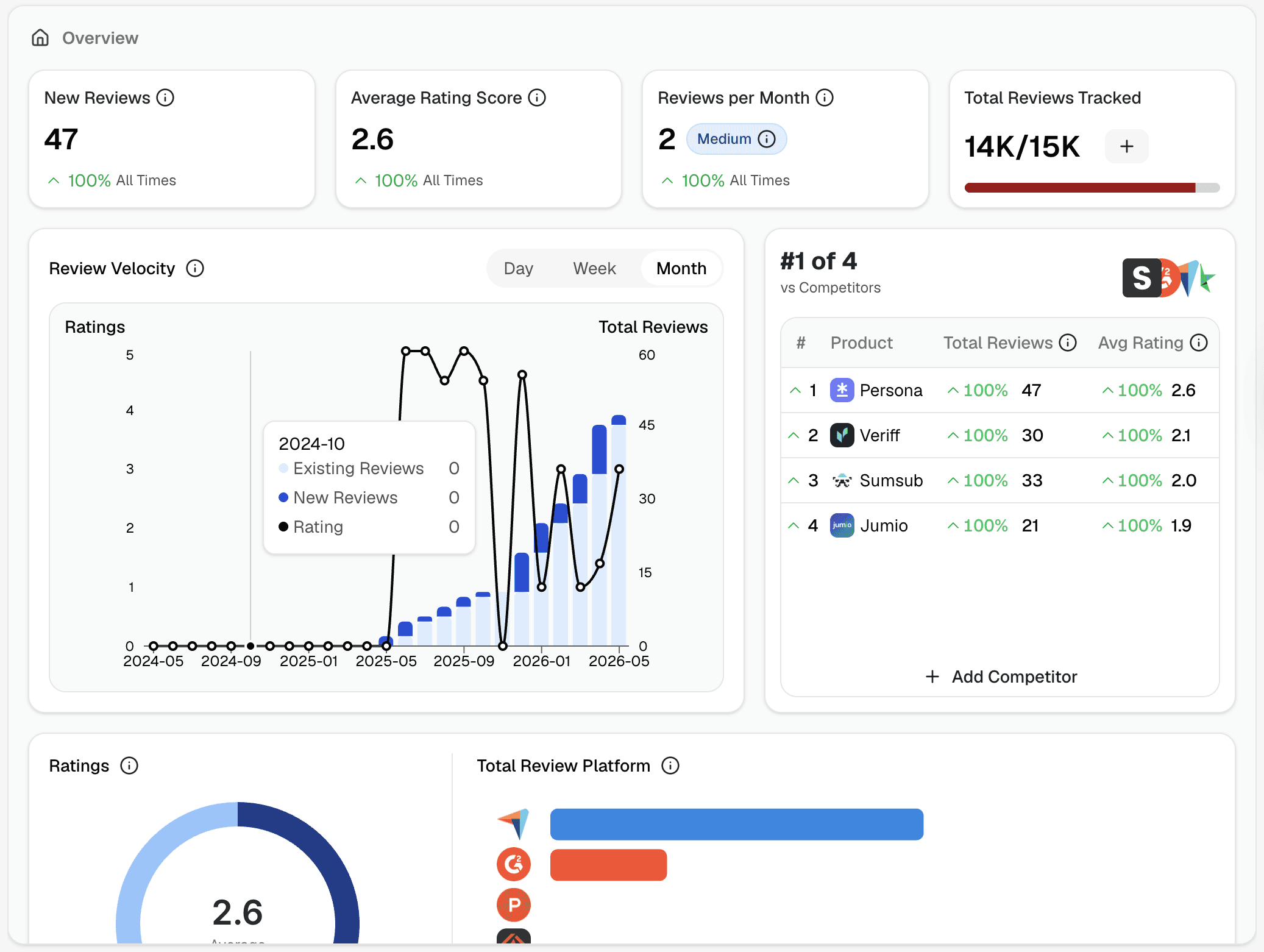
Key metrics
Four numbers at the top summarize your review health for the selected time period:
New Reviews — total reviews collected
Average Rating Score — your overall rating across all platforms
Reviews per Month — your velocity, with a label (Very High, High, etc.) showing how it compares to benchmarks
Total Reviews — reviews collected vs. your plan limit (e.g. 800 of 15K)
Review the Velocity chart
Shows ratings trend and review volume over time. Switch between Day, Week, and Month to zoom in or out. Use this to spot spikes after a product launch, a campaign, or a public incident.
Competitor ranking
The card on the right shows where you sit vs. competitors by total reviews and average rating. Click + Add Competitor to start tracking a competing product — see Competitor Tracking for details.
Ratings & platform breakdown
Two panels below the chart:
Ratings donut — distribution of reviews by star rating (5★ to 1★)
Total Review Platform bar chart — which platforms contribute the most reviews
Latest Reviews
A preview of your most recent reviews. Click See All Reviews to go to the Reviews Feed.
Filtering the dashboard
Use the filters at the top to narrow the view by platform or time range. Filtering here affects all panels on the page.