Notifications
Channels
Deliver notifications to Slack, email, Microsoft Teams, Lark, or a custom webhook.
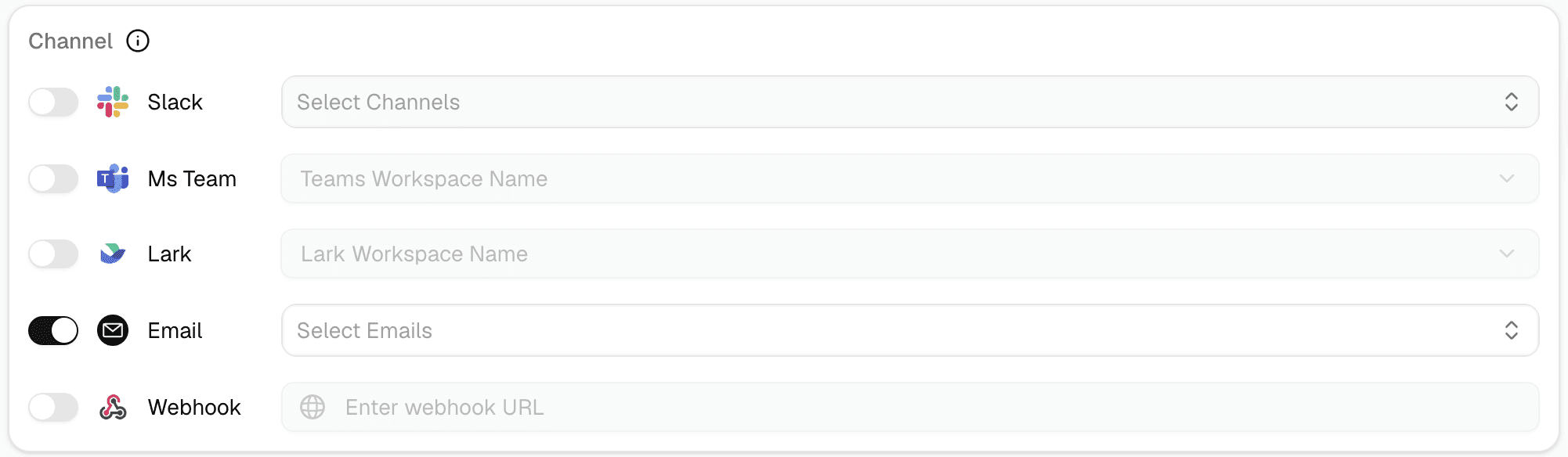
Each channel is configured inside a notification. Toggle a channel on, then fill in its settings:
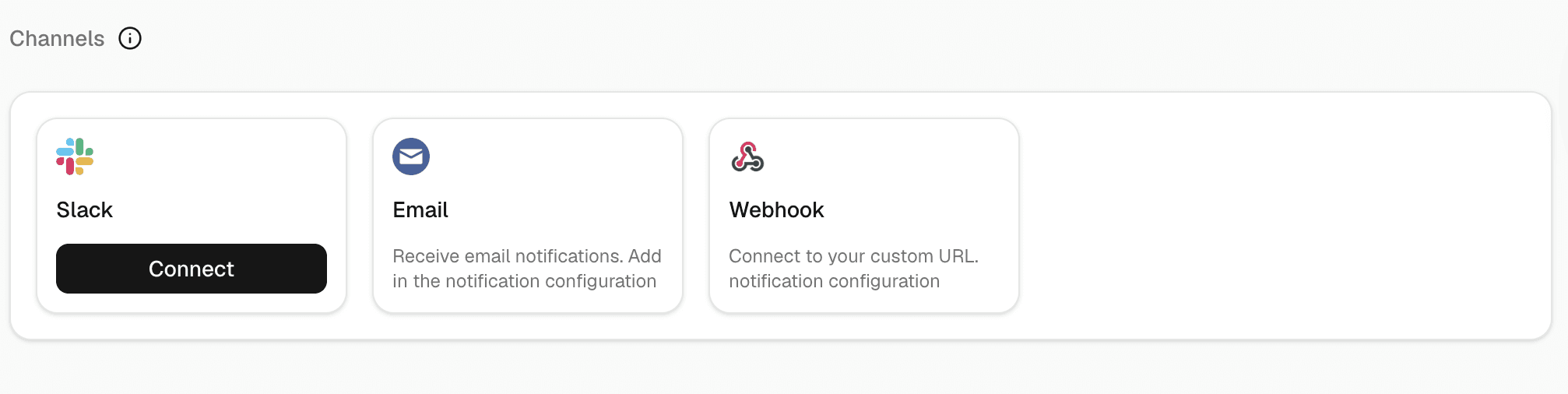
Slack — select one or more channels from your connected Slack workspace. Requires connecting Slack first from the Notification Overview page.
Email — enter one or more recipient email addresses.
Ms Teams (Coming Soon)— enter your Teams workspace name.
Lark (Coming Soon) — enter your Lark workspace name.
Webhook — enter the endpoint URL Subsig will POST to. Use this to pipe notifications into any third-party system.
One notification can deliver to multiple channels simultaneously. For example, you can send Critical Reviews to both Slack and email with a single notification.