Reviews
CSV Export
Download reviews as a spreadsheet for reporting or sharing with stakeholders.
In the Reviews List, click Export CSV in the top-right. The export includes all reviews matching your current active filters — so set up your filters first.
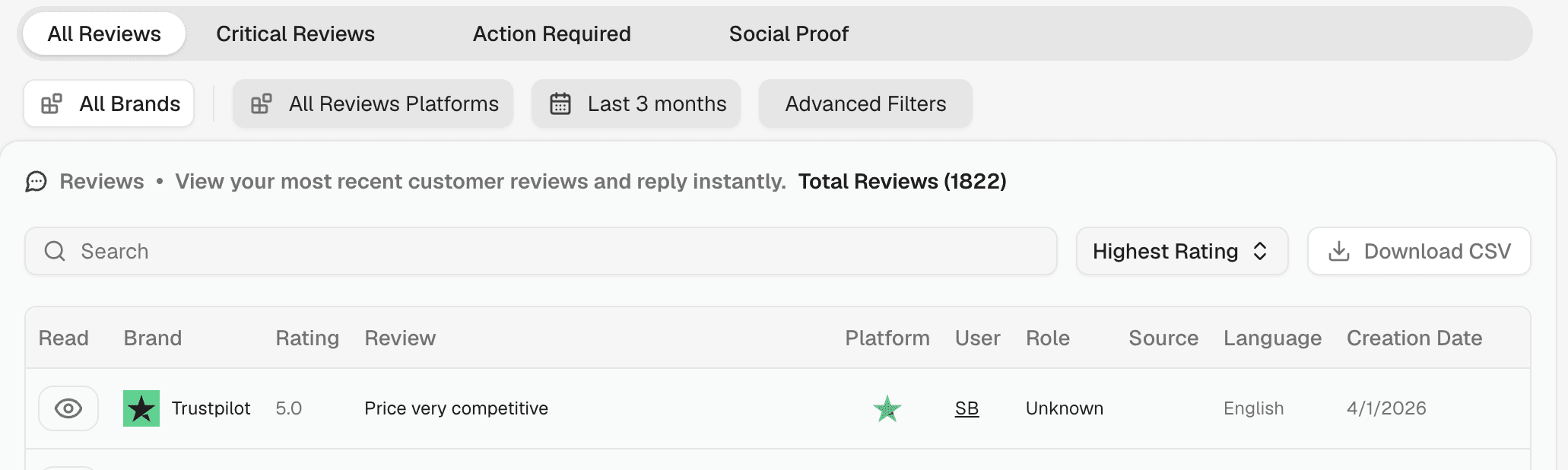
Each row in the CSV contains: Brand, Rating, Review text, Platform, User, Role, Source, Language, and Creation Date.
💡 Apply a time range and platform filter before exporting to keep your report focused. Save that filter as a view so you can re-run the same report next quarter in one click.