Brand & Competitors
Brand Overview
Connect your brand profile and manage which review platforms Subsig monitors.
Go to Settings → Brands → Overview. This page has three sections:
My Basic Information sets your brand's display name, logo, and website URL. These appear across the dashboard and in reports.
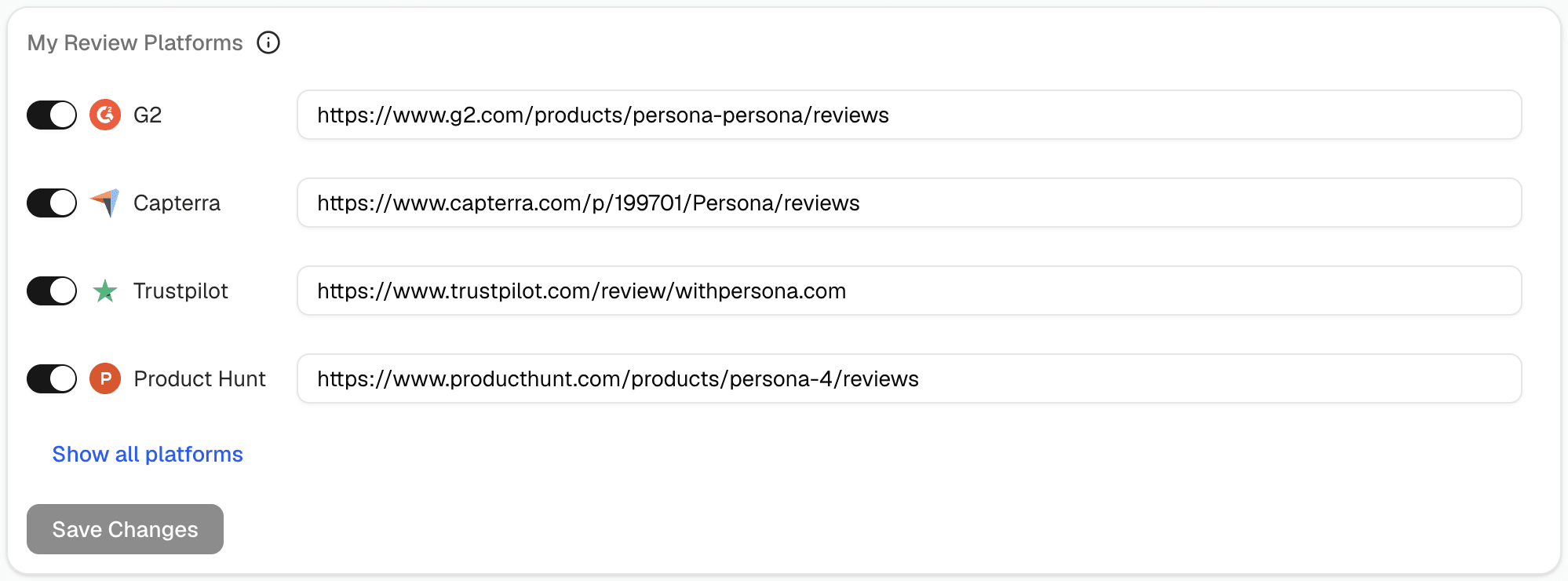
My Review Platforms lists every platform you've connected. Each has a toggle and a URL field. Toggling a platform on tells Subsig to start collecting reviews from that page. Toggling it off pauses collection without deleting the URL.
Social Mentions Keywords defines what Subsig listens for on social channels. Your brand name is added automatically see Social Mentions Keywords for how to extend this.

Connecting a review platform from this page
Find the platform under My Review Platforms
Toggle it on
Paste your product's review page URL (e.g.
https://www.g2.com/products/your-product/reviews)Click Save Changes
💡 Make sure the URL points to your specific product page, not the platform homepage.