Mentions & Reviews,
delivered to Slack
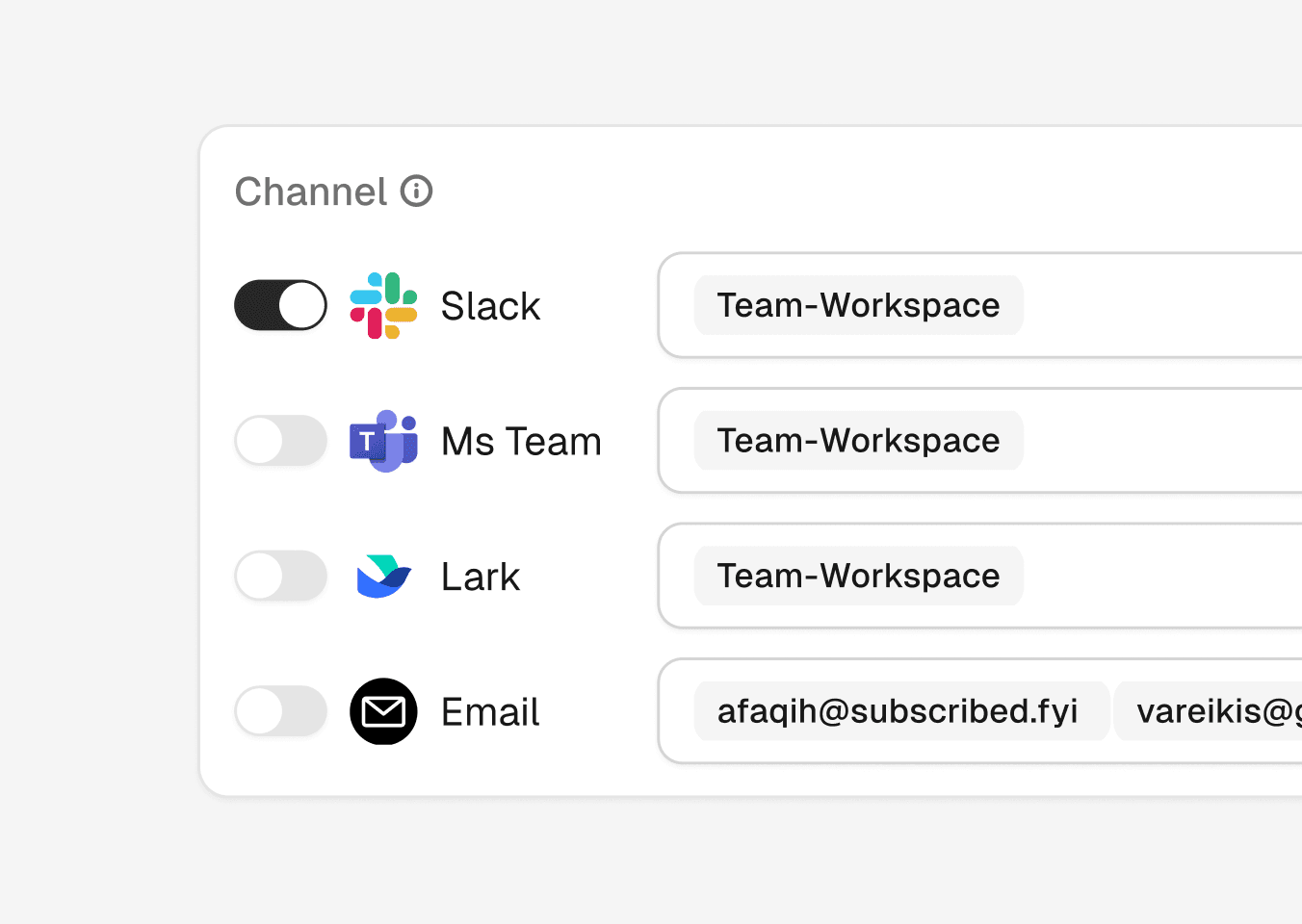
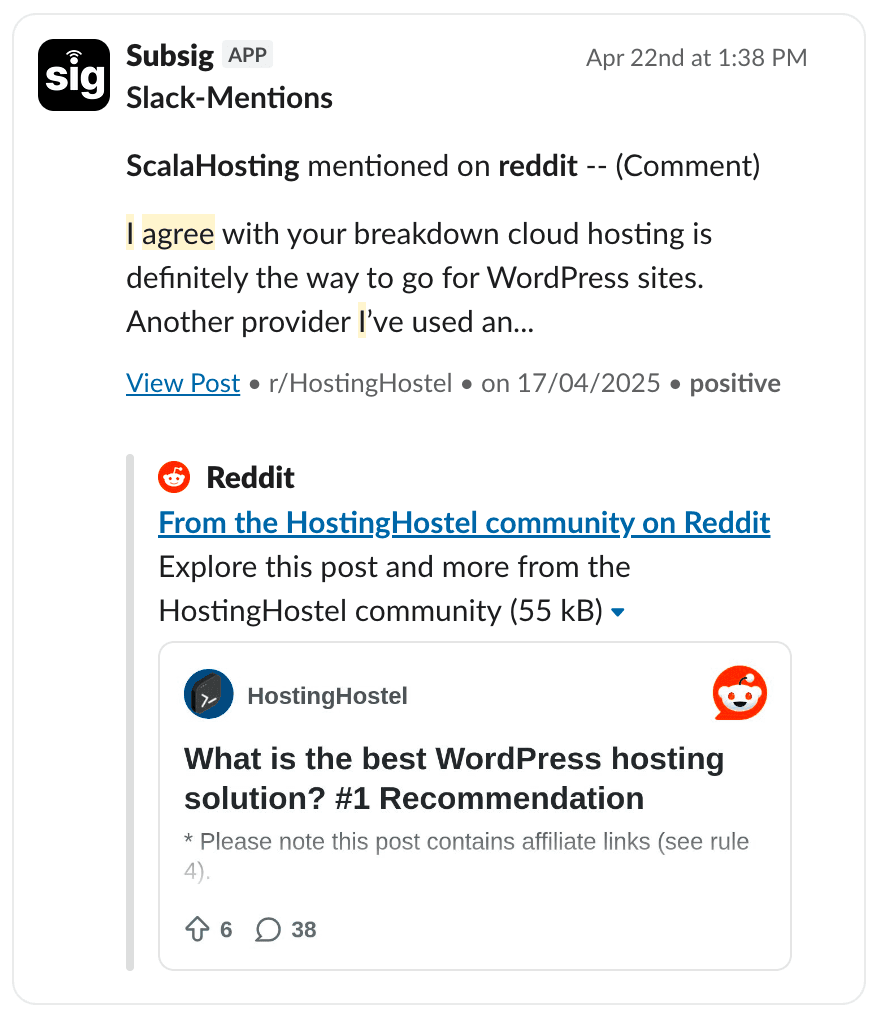
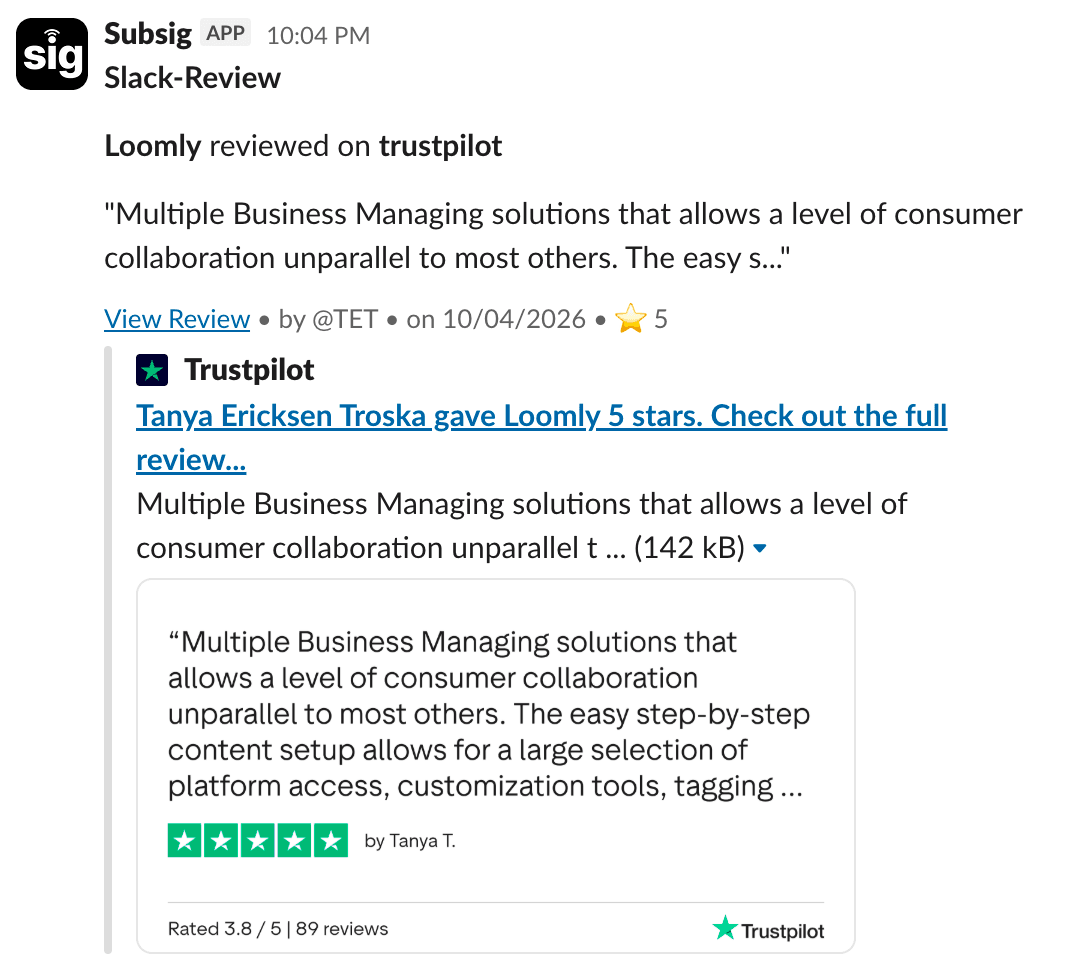
Subsig streams real-time mentions and reviews straight to Slack, so your team can respond faster and stay connected to your audience.

AI Disclosure
Subsig uses AI in two ways. First, it helps identify relevant review platform URLs and generate search keywords for social platforms. Second, it powers the AI Magic Filter, which evaluates each mention for relevance (Relevant or Irrelevant) and quality (scored from Poor to Excellent). By default, only mentions classified as Relevant with a quality score of 80 or higher are displayed. While we aim for high accuracy, AI-generated classifications may occasionally be incorrect. We recommend adjusting your filter settings and periodically reviewing results to ensure they align with your expectations
What triggers a Slack notification?
Subsig sends a Slack notification whenever new mentions or reviews are detected for your tracked product.
New Mentions Detected
A notification send when Subsig finds new social or web mentions matching your tracked brand or product.
New Reviews Detected
A notification send when new reviews appear across G2, Capterra, Trustpilot, and other connected review platforms.
Frequently asked questions
Which Slack channel will notifications go to?
How often will I get notified?
Can I disconnect Slack later?
Why am I not receiving some mentions in Slack?