Notifications
Notification Overview
See all your active and inactive notifications in one place.
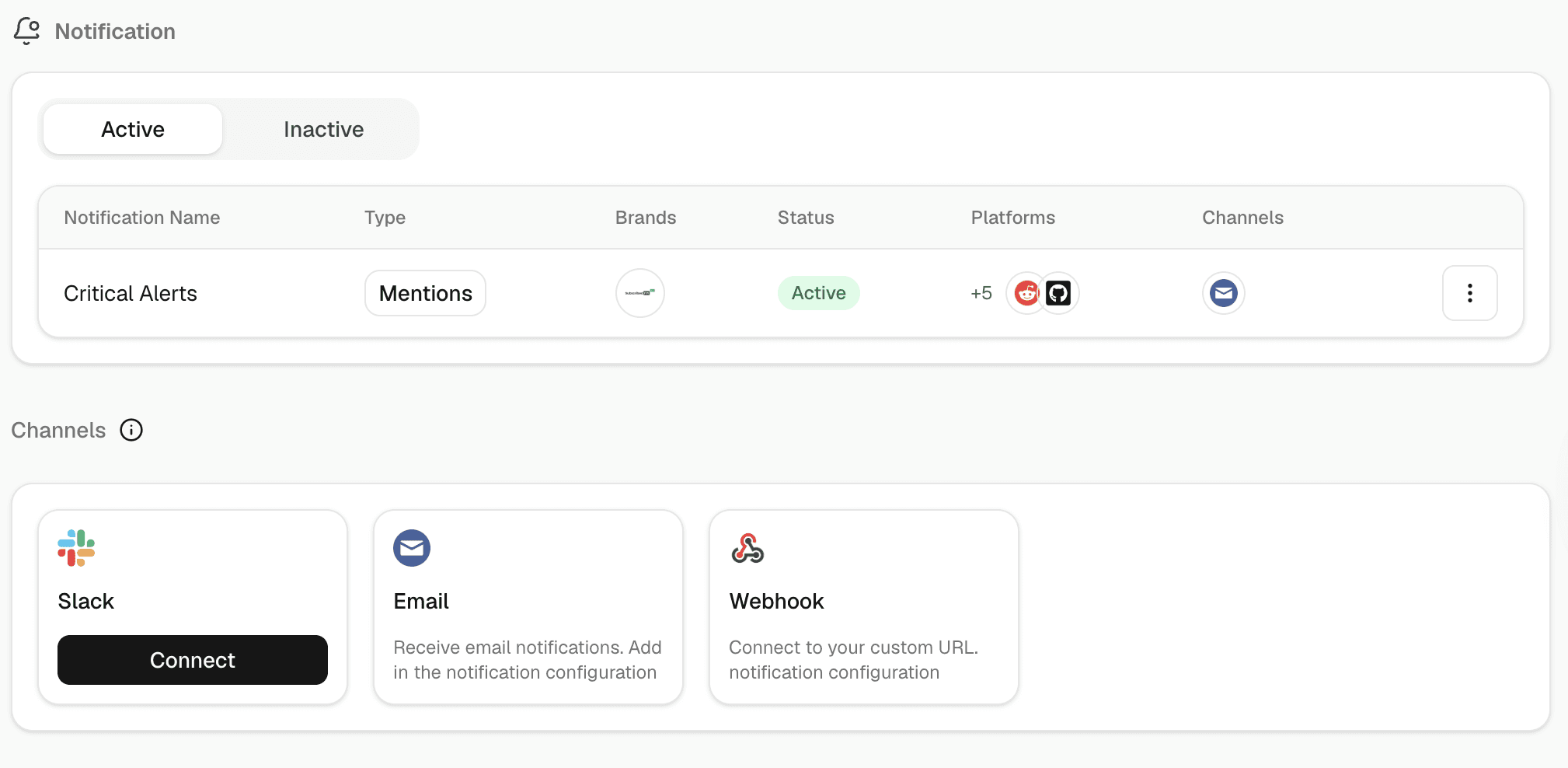
Go to Notification → Overview.
The page has two tabs — Active and Inactive — and a Channels panel showing which delivery channels are connected (Slack, Email, Webhook). If Slack isn't connected yet, you'll see a Connect button there.
Click Create Notification in the top-right to set up your first one.