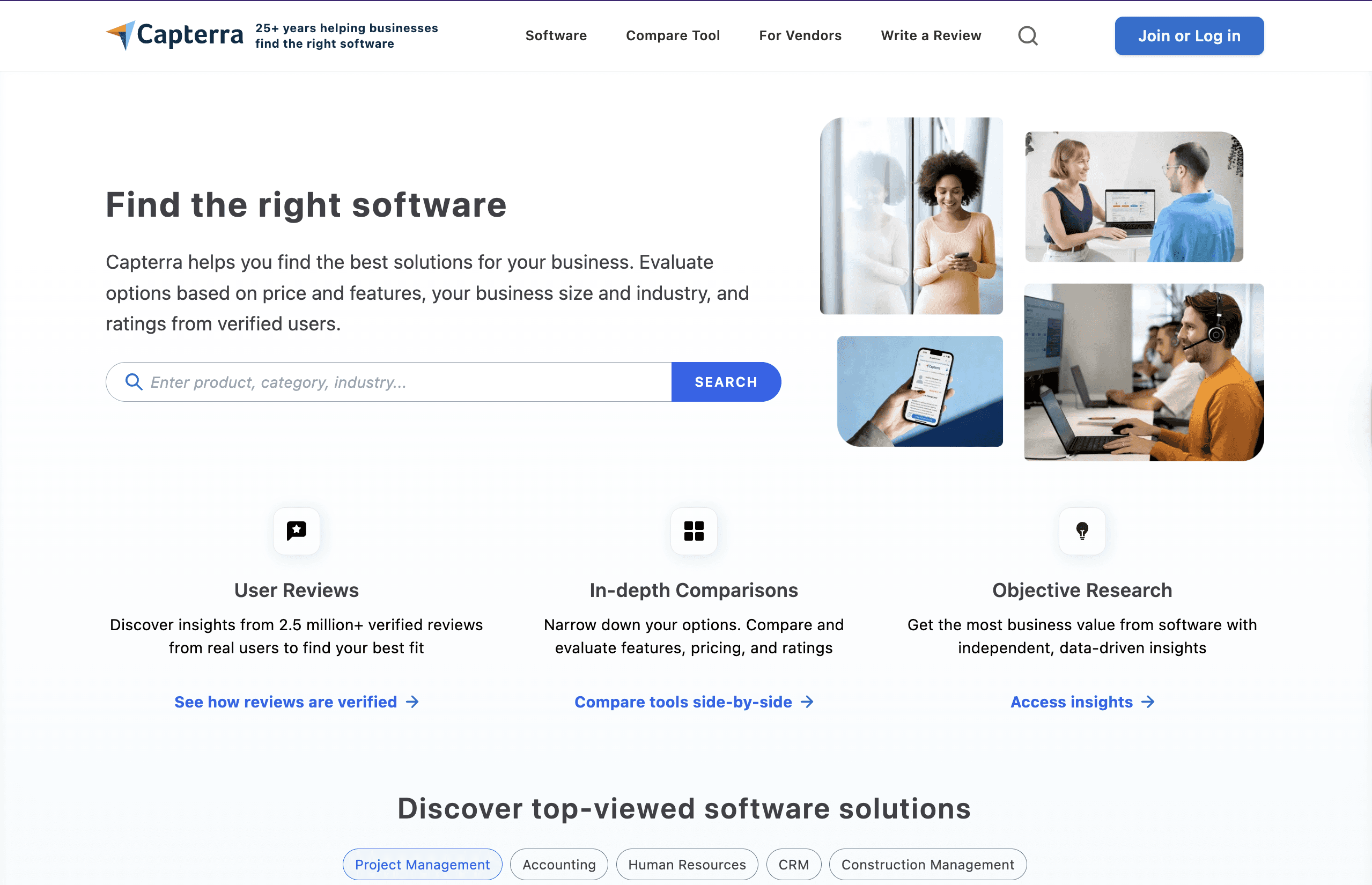
5 best Capterra alternatives for professional software
Looking for a better alternative to Capterra? If you're a SaaS vendor or software buyer, Capterra can feel too generic, expensive to advertise on, or limited in review depth and actionable insights. That's why many companies and buyers today are switching to platforms that offer more verified reviews, better discovery, or deeper insights for B2B software. This guide breaks down the best Capterra alternatives, why Capterra sometimes falls short, and which platforms are worth exploring in 2026.
Start for free. Control the signals buyers and AI trust.
Compare Capterra alternatives





Main Use
Software reviews & listings
Software reviews & buyer intent
In‑depth enterprise reviews
Feature comparison engine
Consultative software recommendations
B2B monitoring
Pricing
Free listings + PPC
Free + paid upgrades
Free + paid options
Free + PPC
Free + optional services
-
Review Verification
Medium
Medium
High
Medium
Medium
Founders & SaaS users
Best For
Broad software search
Broad research + buyer intent
Enterprise‑oriented reviews
Feature-driven comparisons
Guided buyer support
B2B platforms
API Access
No
No
Yes
No
No
SaaS teams
Ease of Use
Easy
Easy
Medium
Easy
Easy
No
Unique Strength
Large category coverage
Buyer intent signals
Detailed pros/cons reviews
Feature filters
Human recommendations
Easy
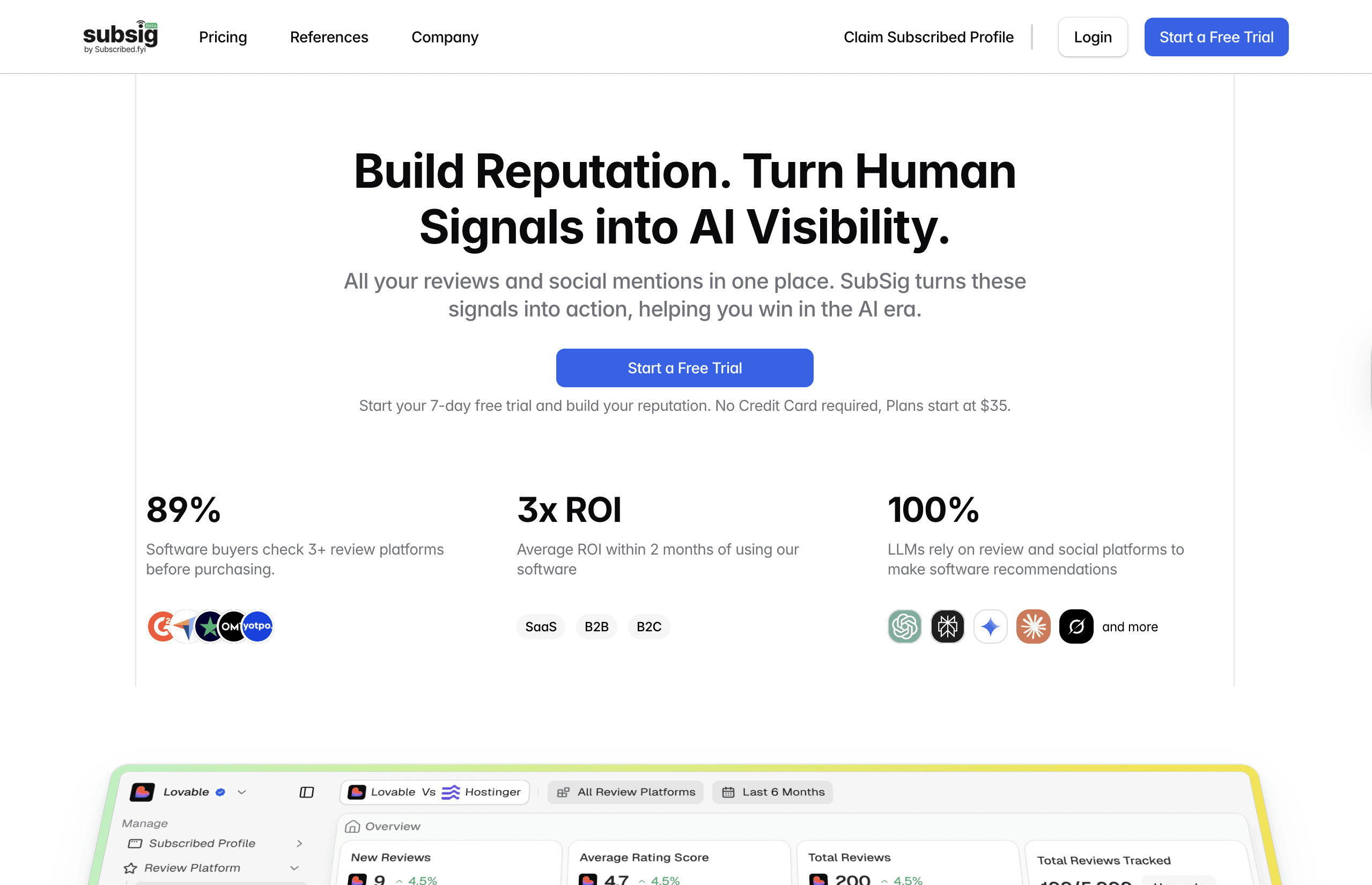
Subsig (best for B2B SaaS teams)
Plans from $39–$99/month
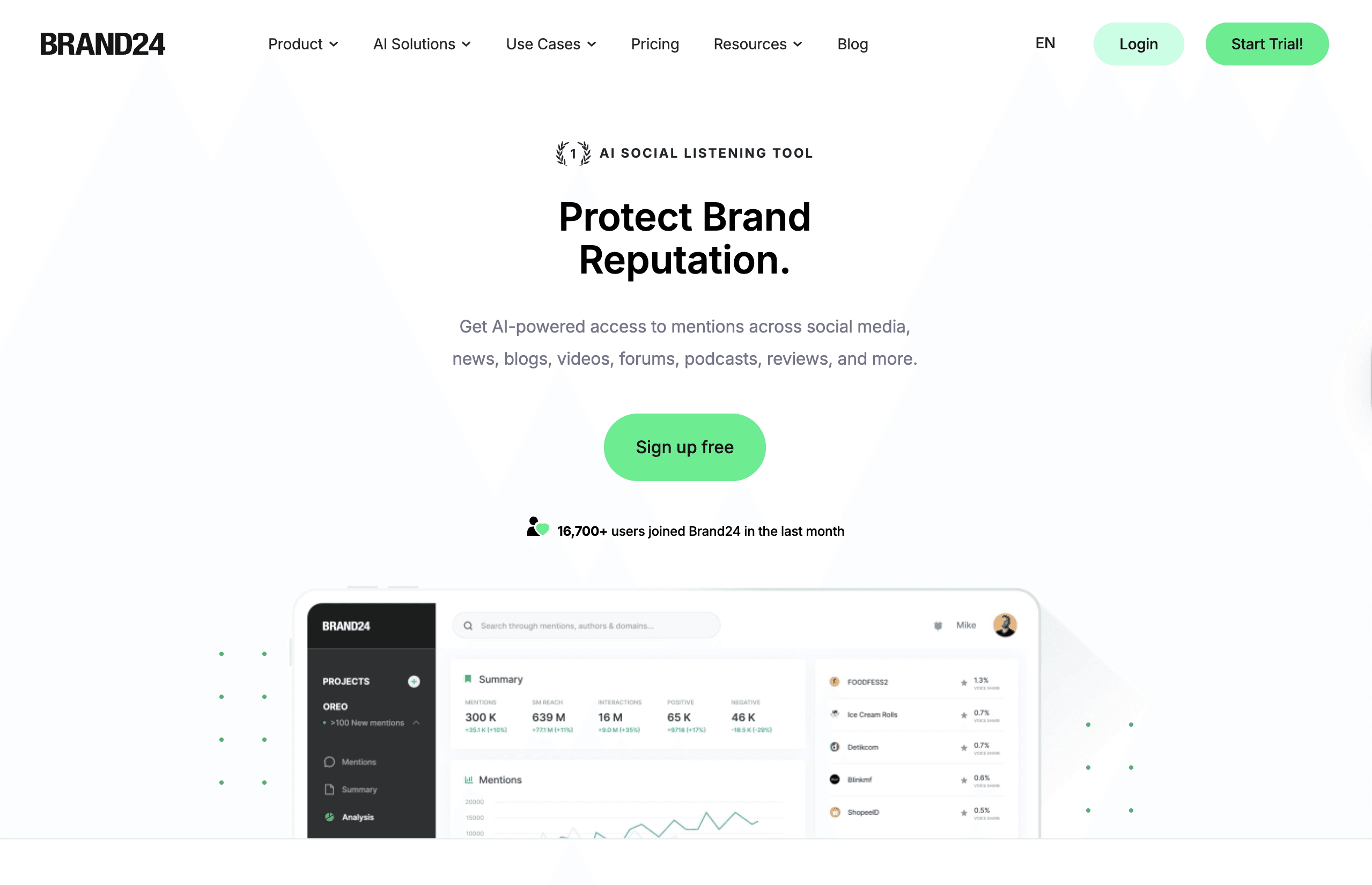
Subsig is built specifically for B2B and SaaS companies that need actionable brand monitoring—not vanity metrics or generic trend reports.
Unlike Brand24, which casts a wide net across consumer platforms, Subsig.com focuses on where real B2B conversations happen:
X (Twitter), LinkedIn, Reddit, GitHub, Hacker News, Stack Overflow, YouTube, newsletters, podcasts, and news.
Instead of flooding your inbox with irrelevant mentions, Subsig.com uses AI relevance scoring to filter out 80–90% of noise so your team only sees mentions that actually matter.
Why SaaS Teams Choose Subsig.com Over Brand24
Real-time alerts instead of daily digests
Full data access on every plan (API, webhooks, exports included)
Native coverage of technical platforms Brand24 doesn’t support
AI filtering that removes spam, false positives, and low-intent mentions
No enterprise lock-in just to build workflows
Key Features
B2B-First Platform Coverage
Monitor conversations across X, LinkedIn, Reddit, GitHub, Hacker News, Stack Overflow, YouTube, DEV, newsletters, podcasts, and news.
AI Relevance Scoring
Automatically surfaces high-intent mentions like buying signals, product comparisons, and technical discussions—while hiding noise.
Build Custom Workflows
Use APIs, webhooks, MCP servers, Slack alerts, and exports on all plans—no enterprise upgrade required.
Real-Time Alerts
Get notified within minutes via Slack, email, or webhooks when something important happens.
Review Platforms Support









Social Platforms Support



Pros
Built specifically for B2B SaaS teams, not consumer brands
Real-time alerts instead of delayed daily digests
AI relevance scoring filters out 80–90% of noise automatically
Full data access on all plans (API, webhooks, exports included)
Native coverage of technical platforms like GitHub, Hacker News, and Stack Overflow
Cons
Less emphasis on long-term trend and historical reporting
Newer platform with lower brand recognition than legacy tools
No Instagram or Facebook monitoring
Smaller ecosystem of third-party integrations compared to enterprise tools
Not designed for consumer or influencer-focused use cases
G2 (best for buyer intent and market insights)
Free listing + paid upgrades
G2 doubles as a buyer intent engine, signaling purchase interest and helping vendors connect with qualified buyers. Ideal for companies looking for visibility plus actionable buyer insights.
When G2 Makes Sense
You want buyer intent data
Buyers are researching multiple tools before purchase
You want analytics on buyer interactions
Best For
Marketing teams focused on trend analysis
Brands tracking long-term sentiment changes
Companies monitoring multiple keywords across the web
Teams that value dashboards over real-time alerts
Businesses with mid-to-large monitoring budgets
Key Features
Trend Analytics: Track long-term changes in brand mentions, reach, and share of voice
Sentiment Analysis: Automatically classify mentions as positive, neutral, or negative
Multi-language Monitoring: Monitor brand mentions across multiple languages and regions
Custom Dashboards: Visualize mentions, sources, and trends in configurable reports
Mention Alerts: Receive daily email summaries of brand activity
Pros
Strong sentiment analysis and trend reporting
Clean analytics dashboards
Multi-language monitoring support
Broad web and social media coverage
Established brand with market trust
Cons
No GitHub, Stack Overflow, or Hacker News monitoring
Alerts are daily, not real-time
API and exports locked behind enterprise plans
No AI relevance filtering for noise reduction
Pricing increases quickly as usage scales
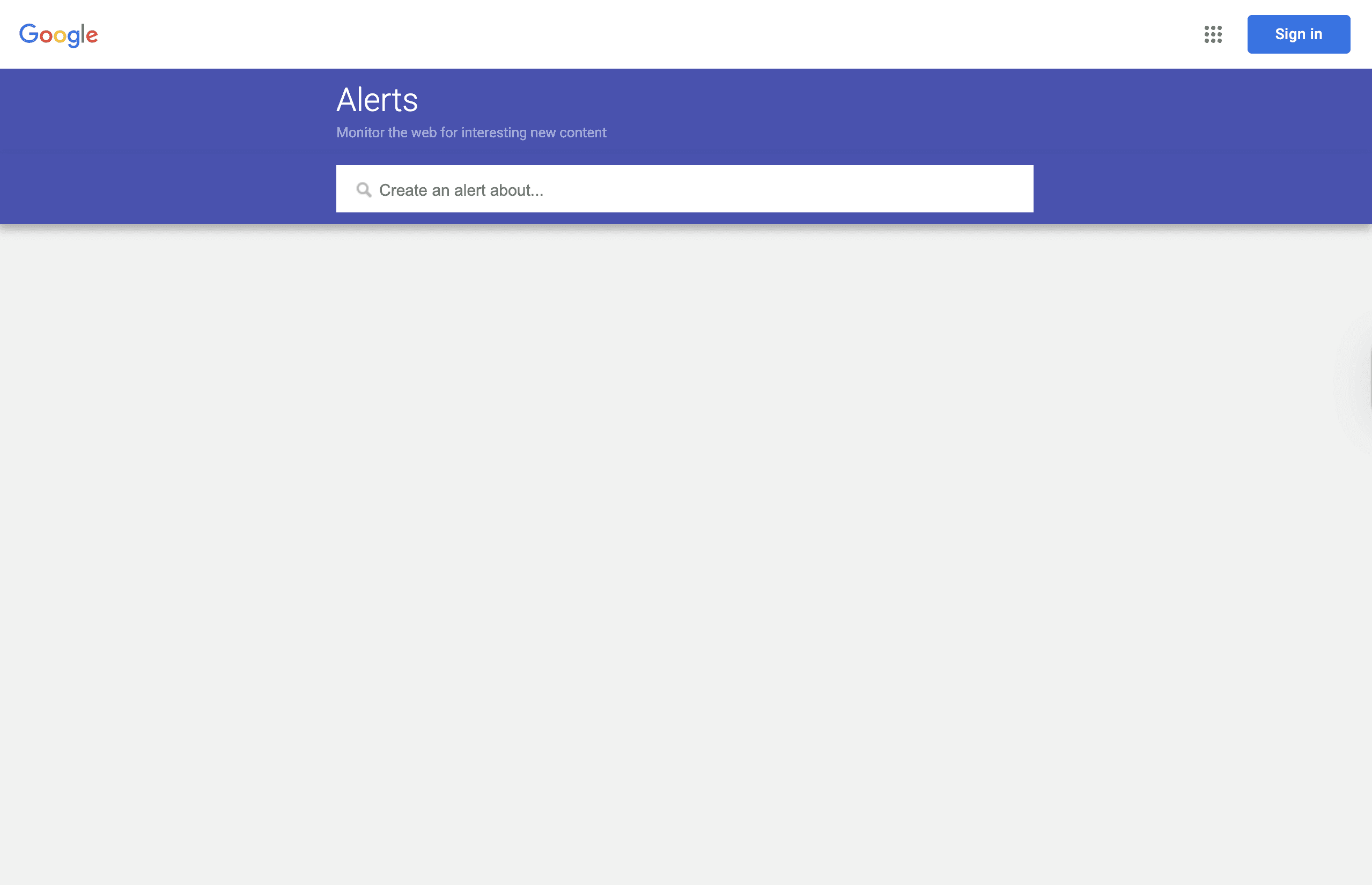
Google Alerts (best for free, basic monitoring)
Free Plan
Google Alerts is a simple keyword monitoring tool that sends email notifications when Google indexes new content related to your search terms. It’s not a full brand monitoring solution, but it works as a lightweight option for basic awareness.
When Google Alerts Makes Sense
Google Alerts is a good fit if you need basic web monitoring with zero budget. It’s often used by individuals, early-stage founders, or teams that want to validate keywords before upgrading to paid tools.
Best For
Individuals and solo founders
Early-stage startups with no budget
Monitoring brand names on blogs and news sites
Basic competitor mention tracking
Supplementing paid monitoring tools
Key Features
Keyword Monitoring: Track brand names, competitors, and topics
Web & News Coverage: Monitor blogs, articles, and indexed pages
Email Alerts: Receive notifications directly in your inbox
Simple Setup: Create alerts in minutes
Free Access: No cost or usage limits
Pros
Completely free
Very easy to use
Covers blogs and news
Fast setup
No learning curve
Cons
No social media monitoring
Daily or delayed alerts only
No analytics or dashboards
No filtering or relevance scoring
Email-only notifications
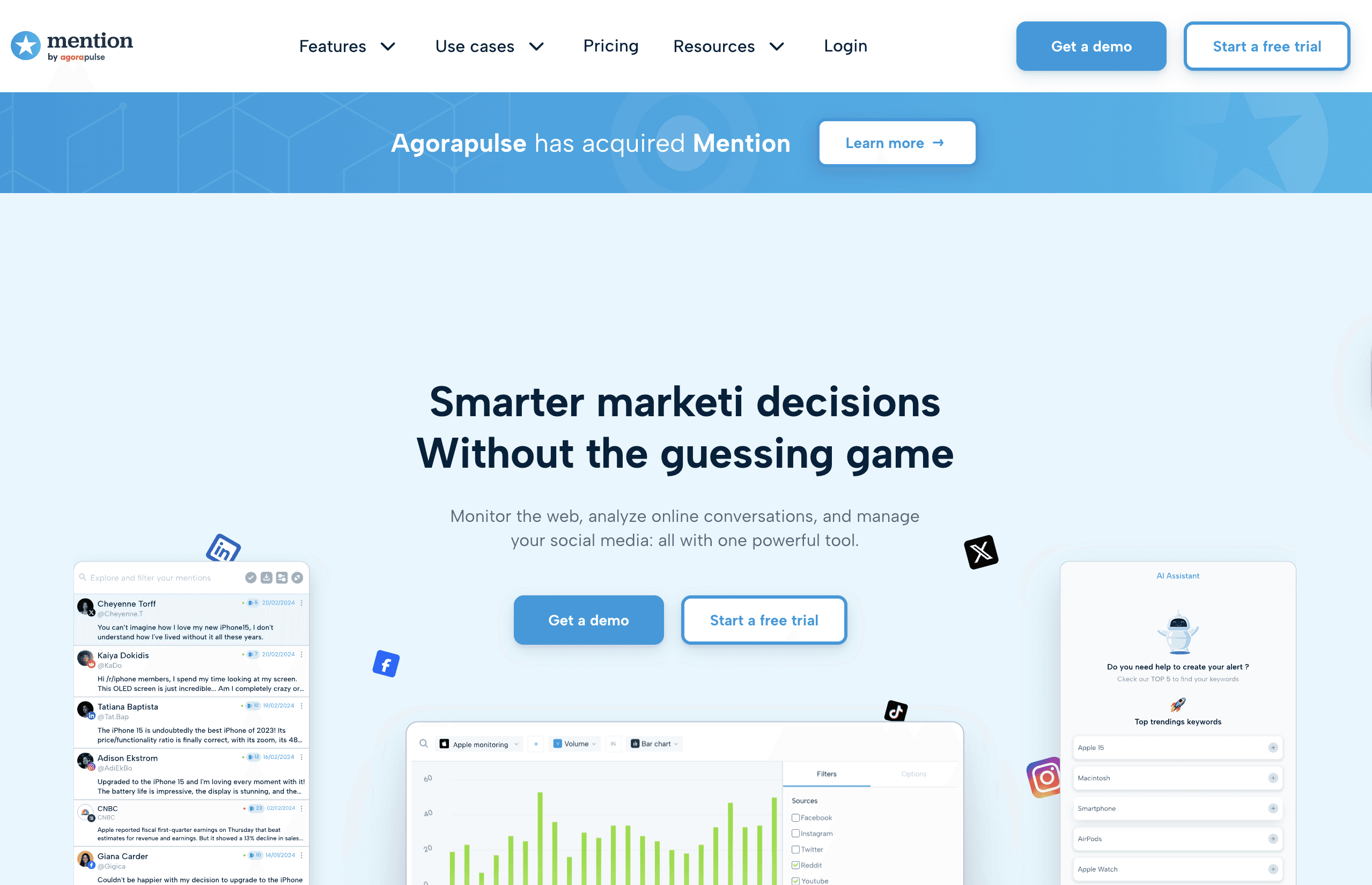
Mention (best for agencies and multi-brand teams)
Plans start at $599/month
Mention is a social listening and brand monitoring tool designed for teams and agencies managing multiple brands. It focuses on collaboration, reporting, and consumer social platforms.
When Mention Makes Sense
Mention is a strong option if you’re managing multiple brands or clients and need team workflows, shared dashboards, and branded reports especially for consumer-facing companies.
Best For
Marketing and PR agencies
Mid-market brands
Teams managing multiple clients
Collaboration-heavy workflows
Consumer-focused brands
Key Features
Real-Time Alerts: Track mentions as they happen
Team Collaboration: Assign mentions and comments internally
Branded Reports: Create client-ready reports
Multi-Brand Tracking: Manage several brands in one account
Analytics Dashboard: Measure reach and engagement
Pros
Real-time alerts
Strong collaboration features
Branded reporting
Multi-brand support
Mature platform
Cons
High starting price
Limited B2B platform coverage
API access requires enterprise plans
No AI relevance filtering
Less suited for SaaS teams
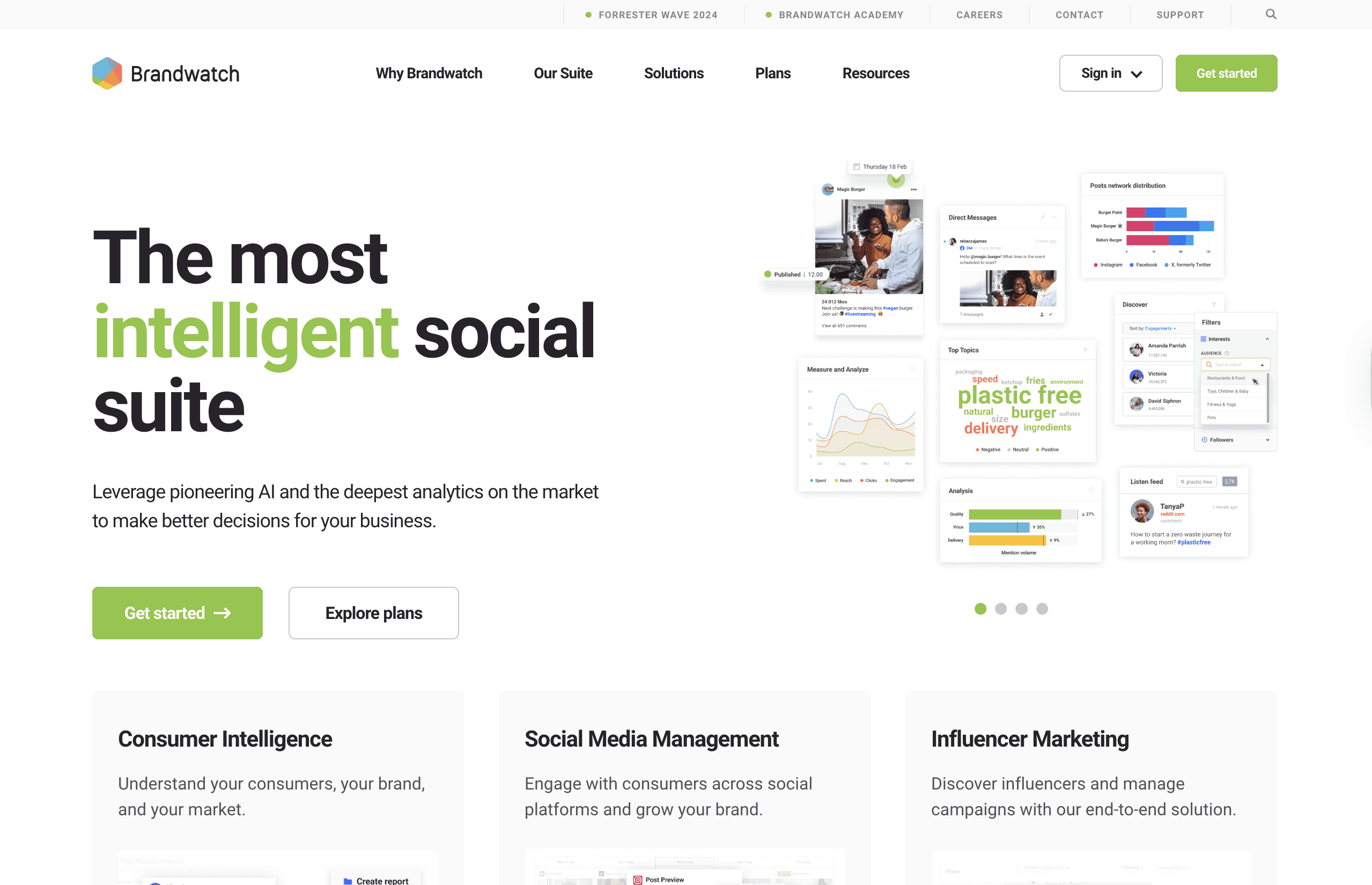
Brandwatch (best for enterprise social intelligence)
Custom pricing, typically $1,000–$5,000+ per month
Brandwatch is an enterprise-grade social intelligence platform offering advanced analytics, large-scale data access, and custom research capabilities.
When Brandwatch Makes Sense
Brandwatch is best for large enterprises with dedicated analysts, complex reporting needs, and global monitoring requirements.
Best For
Enterprise organizations
Global brands
Market research teams
Dedicated social listening analysts
Large monitoring budgets
Key Features
AI Analytics: Advanced sentiment and trend analysis
Global Coverage: Multi-region and multi-language monitoring
Custom Dashboards: Deep reporting and visualization
Historical Data: Access years of past data
Consumer Research Tools: Audience and market insights
Pros
Powerful analytics
Extensive data coverage
Enterprise-grade features
Customizable dashboards
Strong onboarding support
Cons
Very expensive
Steep learning curve
Overkill for SMBs
Long-term contracts
Requires dedicated resources
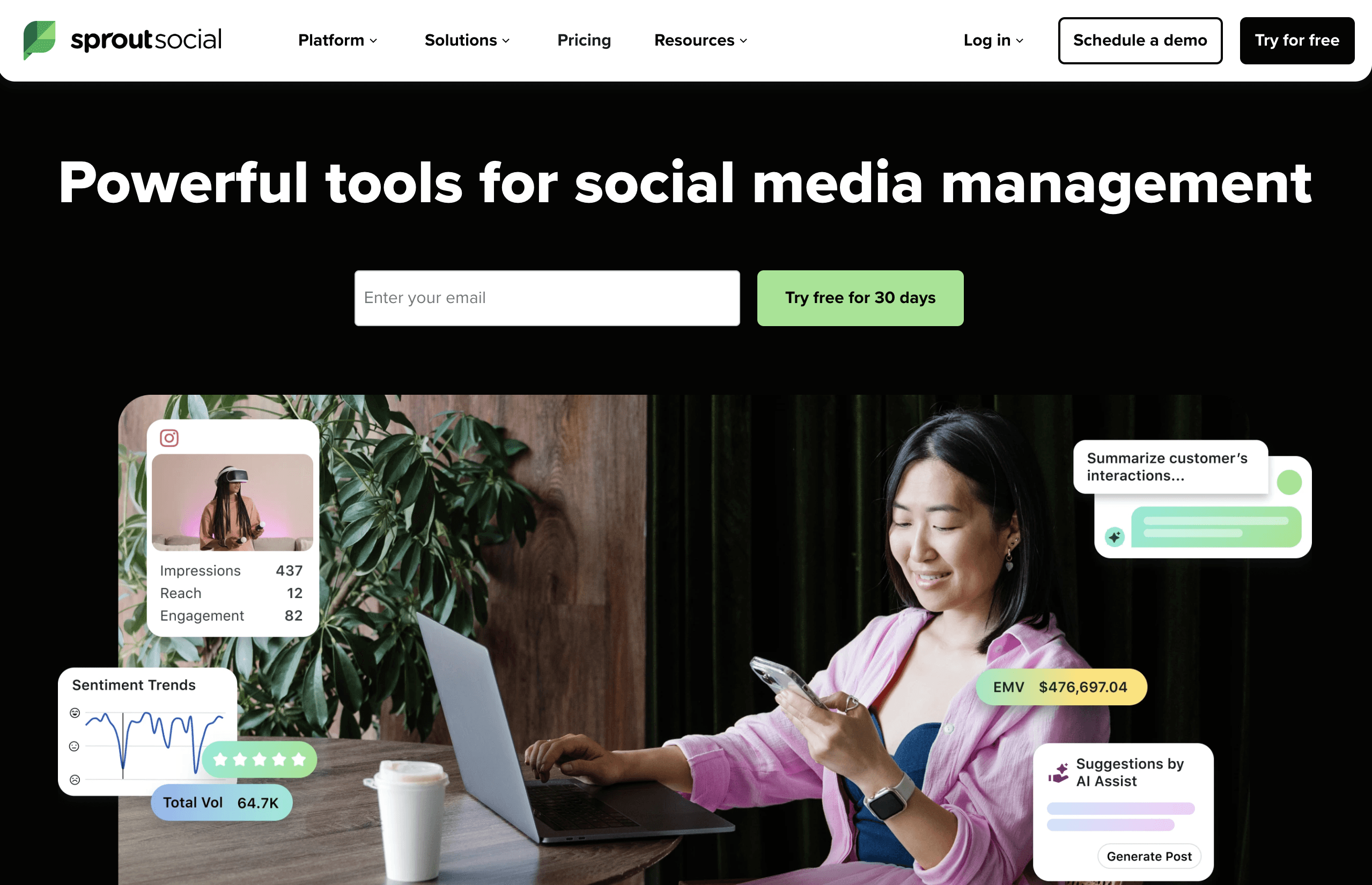
Sprout Social (best for social media management and listening)
Custom pricing, typically $249+ per user per month
Sprout Social is primarily a social media management platform that includes listening features as part of a broader publishing and engagement suite.
When Sprout Social Makes Sense
Sprout Social works well if your team wants publishing, engagement, and monitoring in one tool, especially for consumer social platforms.
Best For
Social media teams
Marketing departments
Brands focused on publishing
Teams managing engagement at scale
Companies with larger budgets
Key Features
Social Publishing: Schedule and manage posts
Unified Inbox: Manage comments and messages
Social Listening: Monitor brand mentions
Performance Reports: Track engagement and growth
Team Workflows: Approvals and permissions
Pros
All-in-one platform
Clean UI
Strong reporting
Collaboration features
Reliable support
Cons
Expensive per-user pricing
Listening is not core focus
Limited B2B platform coverage
No AI relevance filtering
Limited data access