Send real-time events to your AI system
Send mentions, reviews, and customer feedback directly to your systems so your AI can learn faster and act sooner.
Step 1: Log in and open Notifications
Sign in to your account and navigate to Notifications from the sidebar.
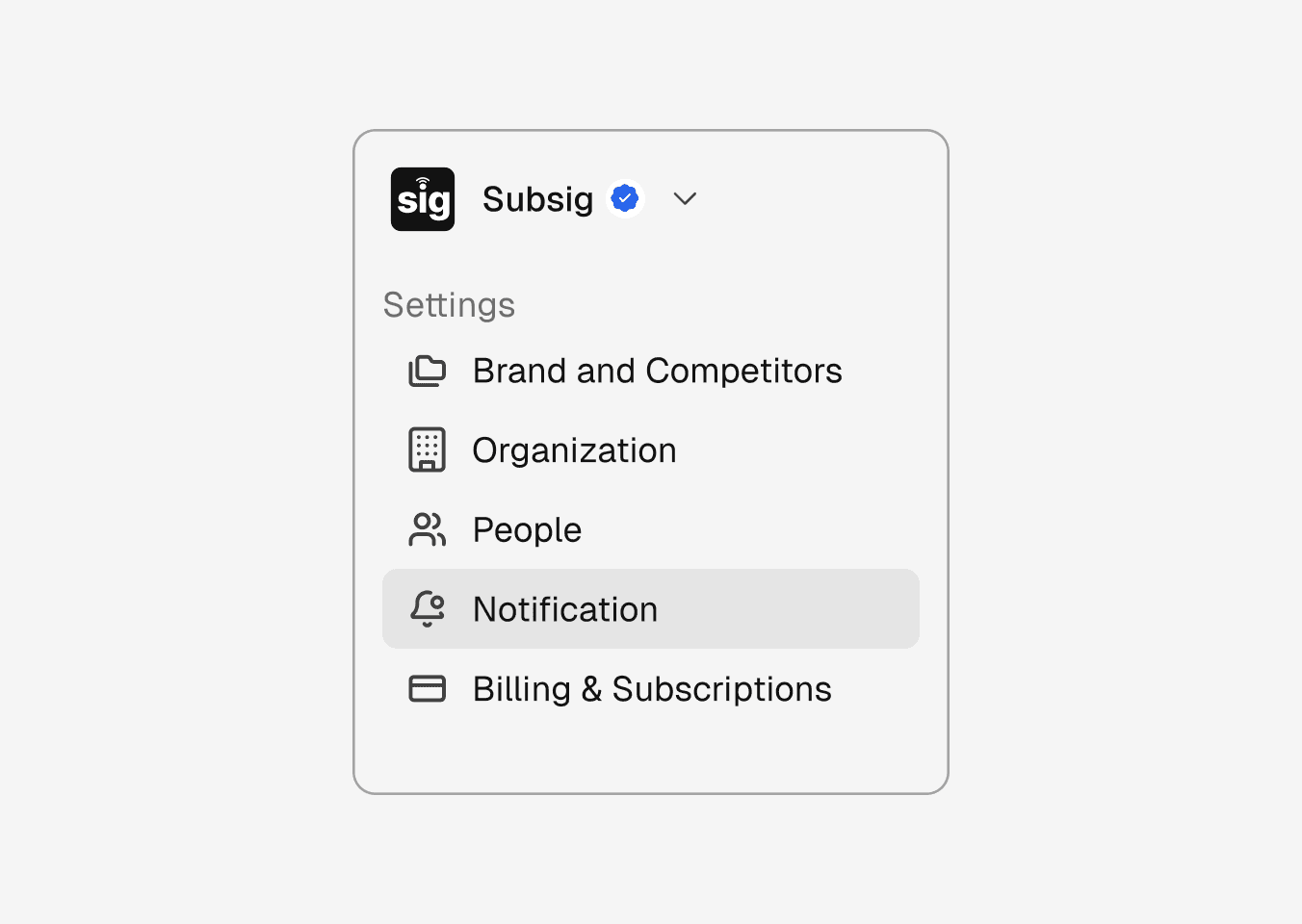
Step 1: Log in and open Notifications
Sign in to your account and navigate to Notifications from the sidebar.
Step 1: Log in and open Notifications
Sign in to your account and navigate to Notifications from the sidebar.
Step 2: Create a notification
Click Create Notification and choose Webhook as your delivery method.
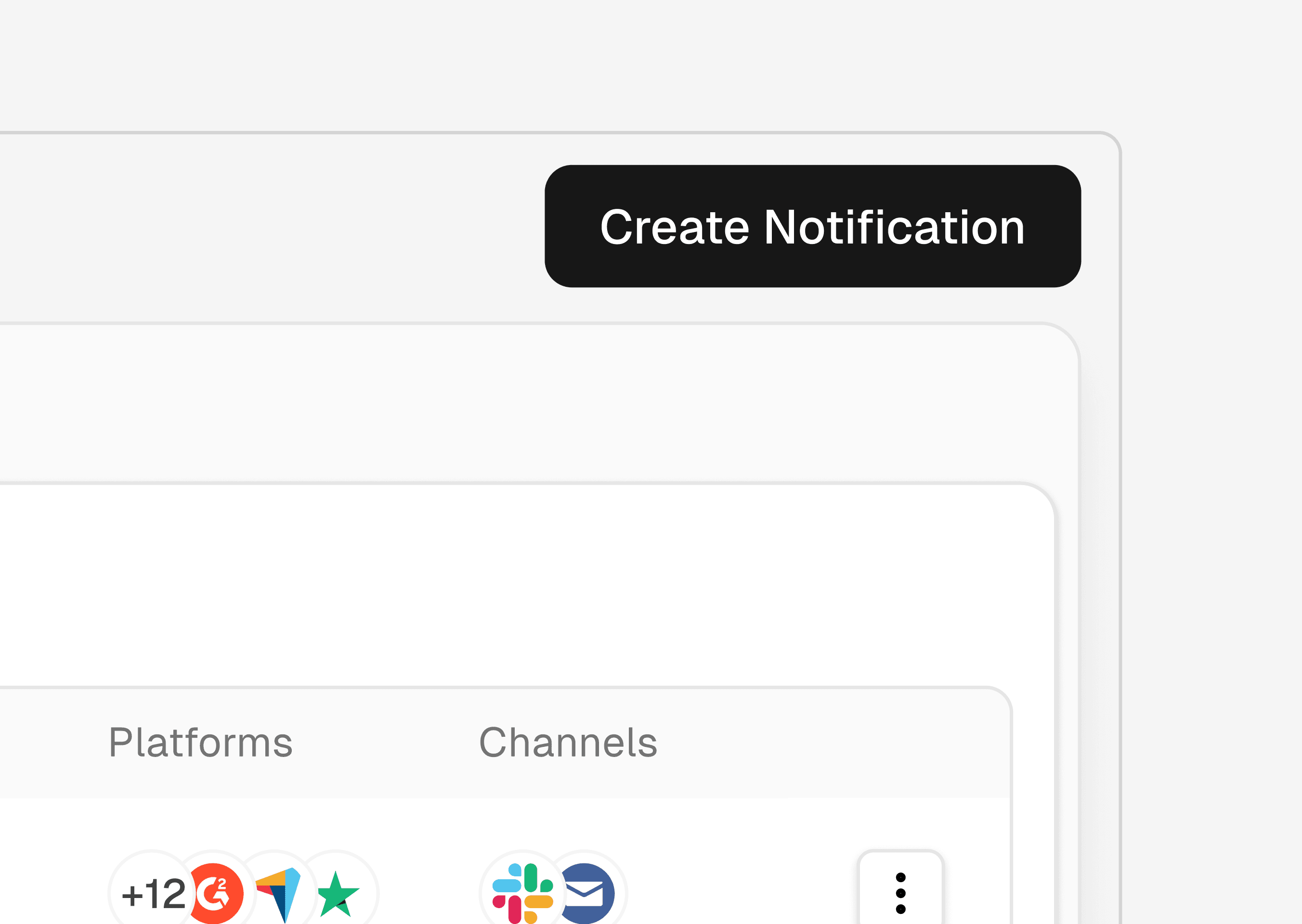
Step 2: Create a notification
Click Create Notification and choose Webhook as your delivery method.
Step 2: Create a notification
Click Create Notification and choose Webhook as your delivery method.
Step 3: Enter your webhook URL
Add the endpoint where events should be sent. We’ll deliver structured JSON payloads to this URL in real time.
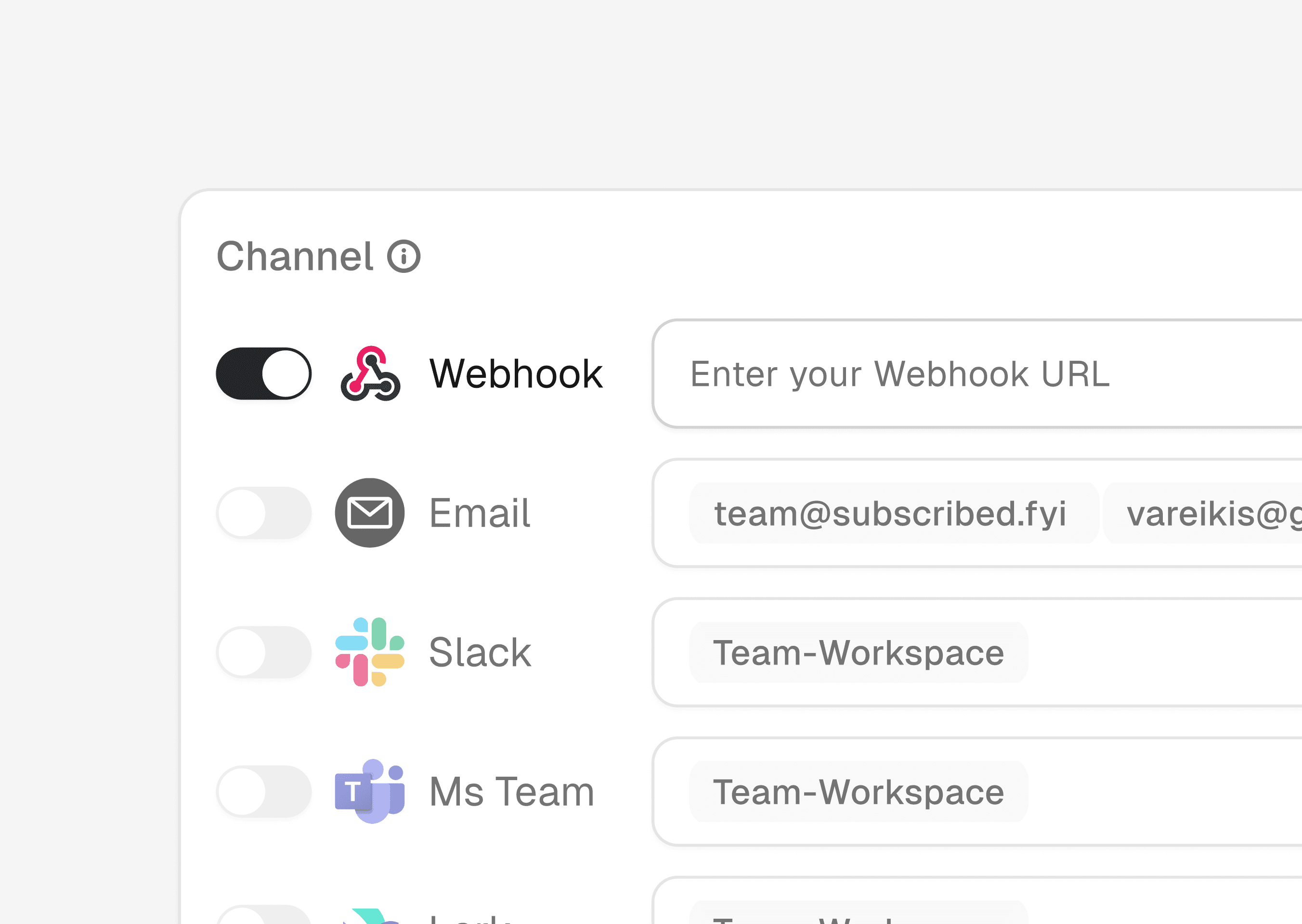
Step 3: Enter your webhook URL
Add the endpoint where events should be sent. We’ll deliver structured JSON payloads to this URL in real time.
Step 3: Enter your webhook URL
Add the endpoint where events should be sent. We’ll deliver structured JSON payloads to this URL in real time.
Step 4: Choose your signals
Add brands, review sources, social platforms, and filters to control exactly what data is sent to your webhook.
Only the signals you care about will be streamed.
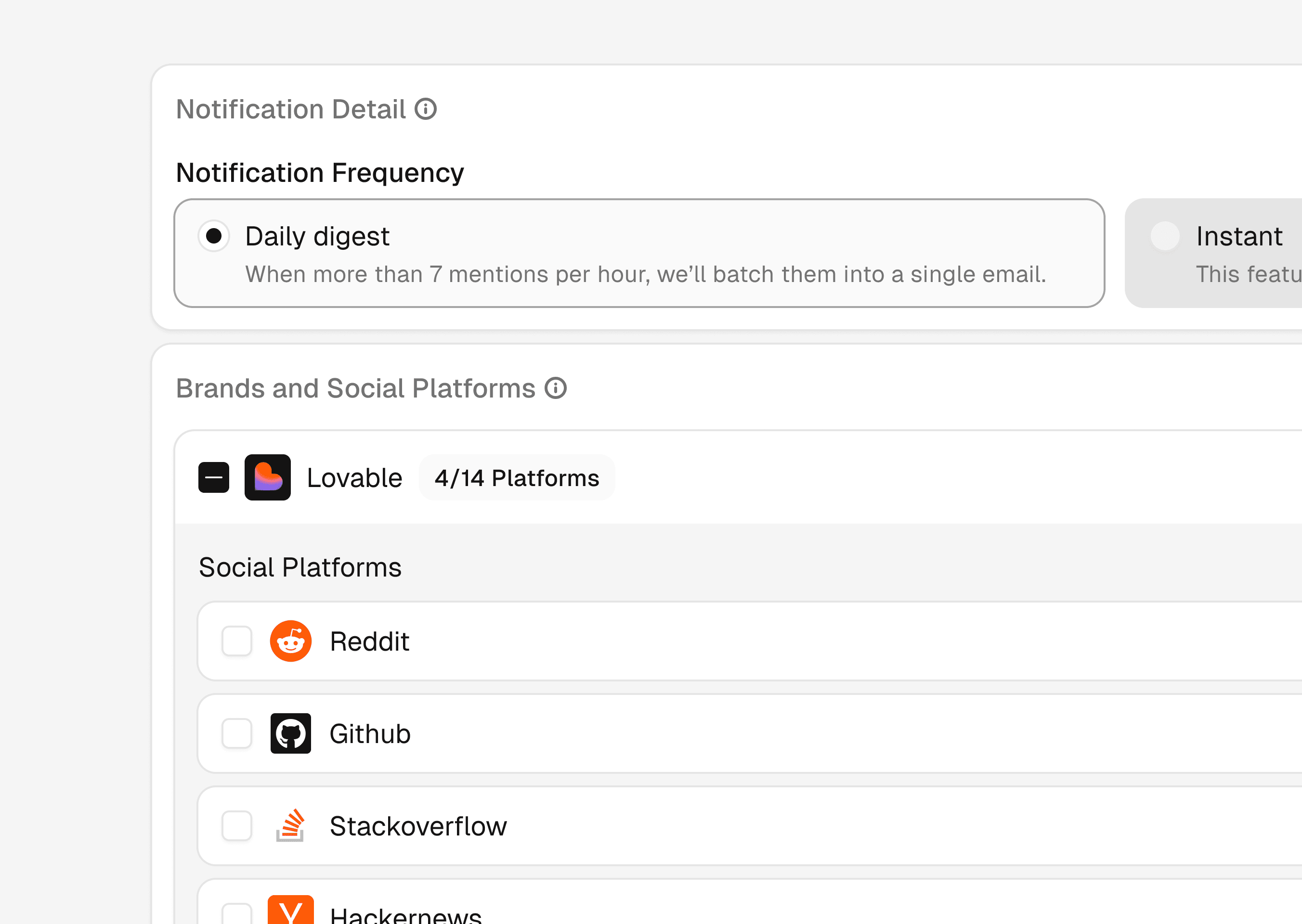
Step 4: Choose your signals
Add brands, review sources, social platforms, and filters to control exactly what data is sent to your webhook.
Only the signals you care about will be streamed.
Step 4: Choose your signals
Add brands, review sources, social platforms, and filters to control exactly what data is sent to your webhook.
Only the signals you care about will be streamed.