Send real-time events to your AI system
Send mentions, reviews, and customer feedback directly to your systems so your AI can learn faster and act sooner.
Step 1: Log in and open Notifications
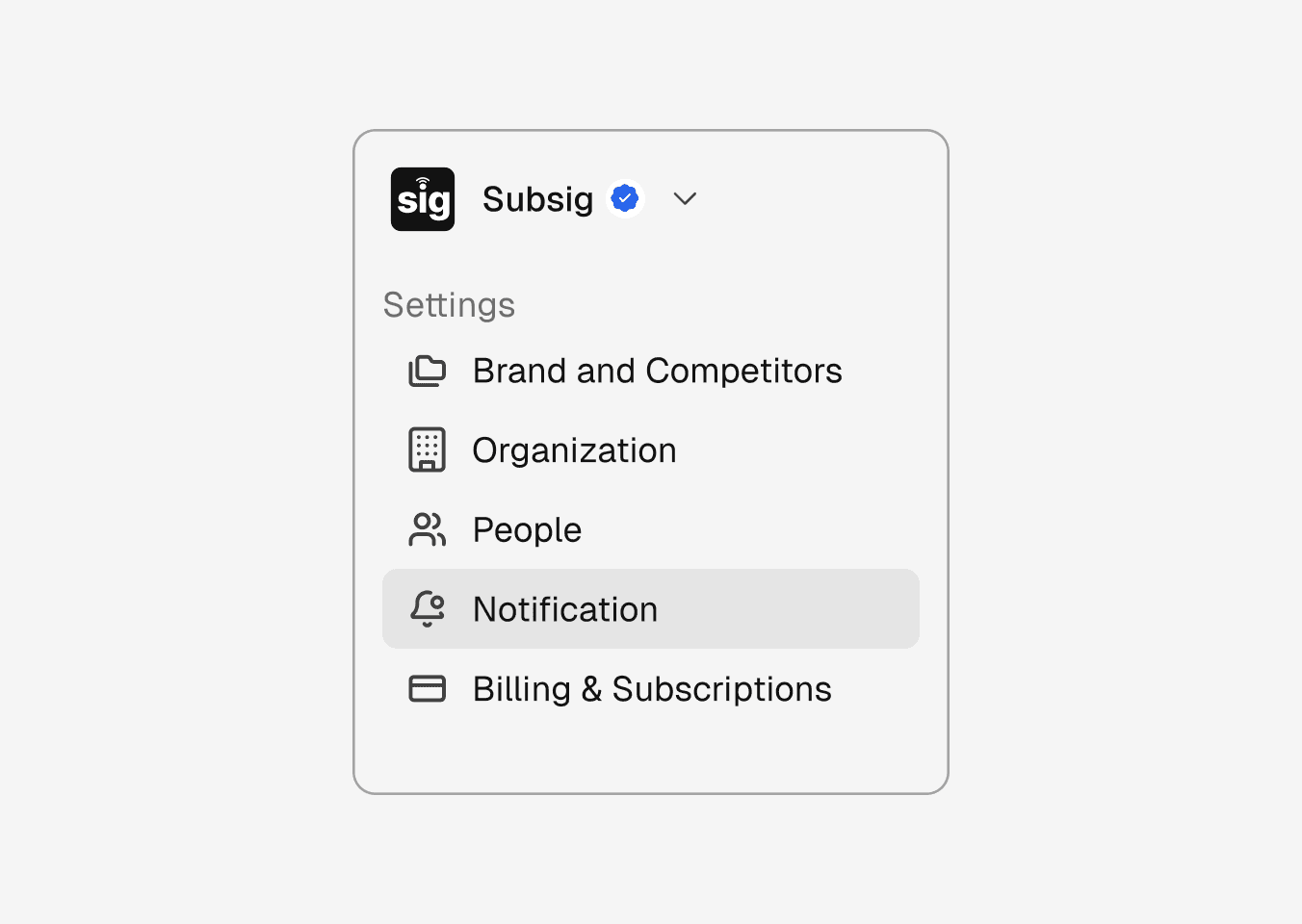
Log in to your account and navigate to Notifications.
Step 1: Log in and open Notifications
Log in to your account and navigate to Notifications.
Step 1: Log in and open Notifications
Log in to your account and navigate to Notifications.
Step 2: Create a new notification
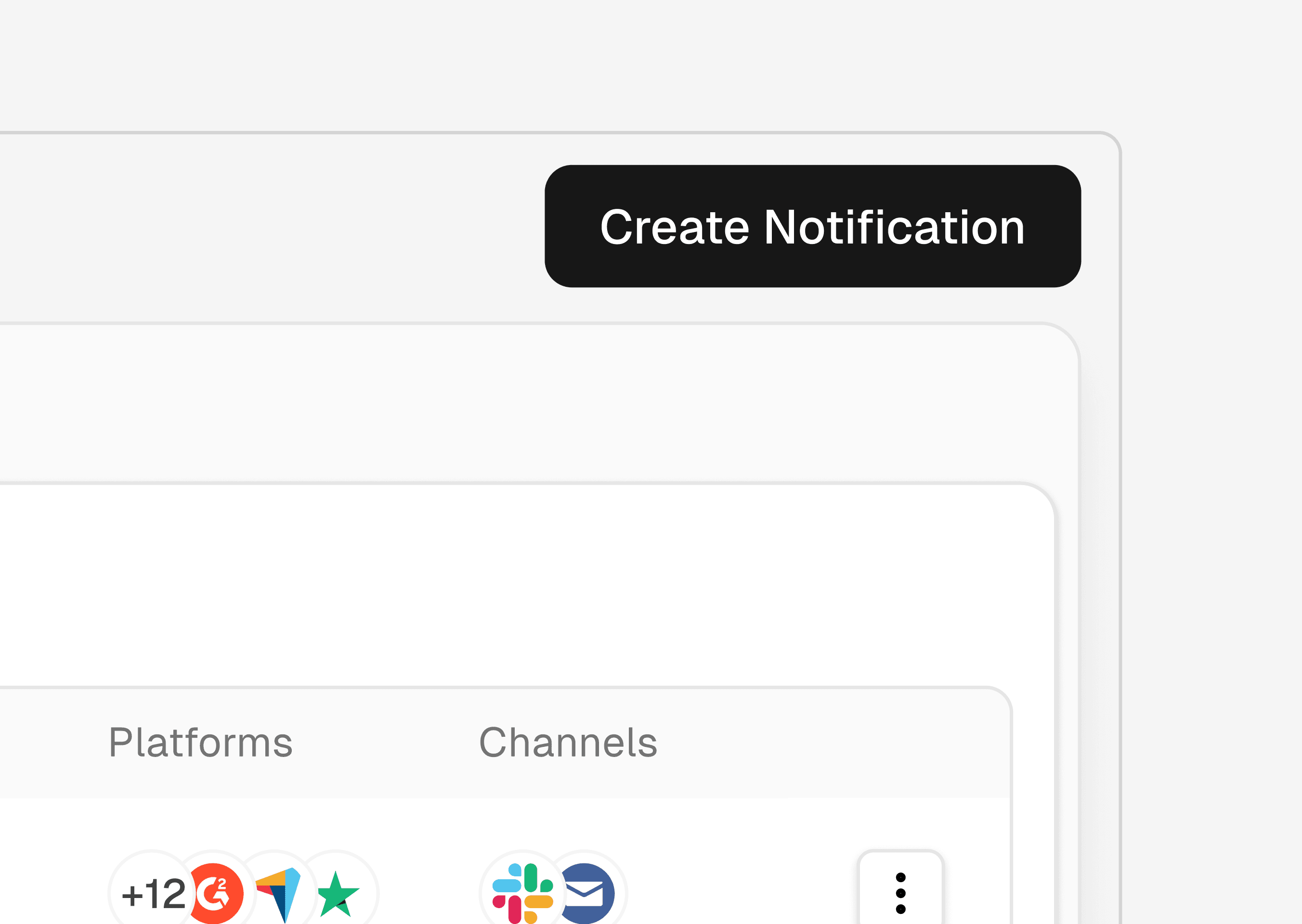
Click Create Notification to begin.
Step 2: Create a new notification
Click Create Notification to begin.
Step 2: Create a new notification
Click Create Notification to begin.
Step 3: Choose Email delivery
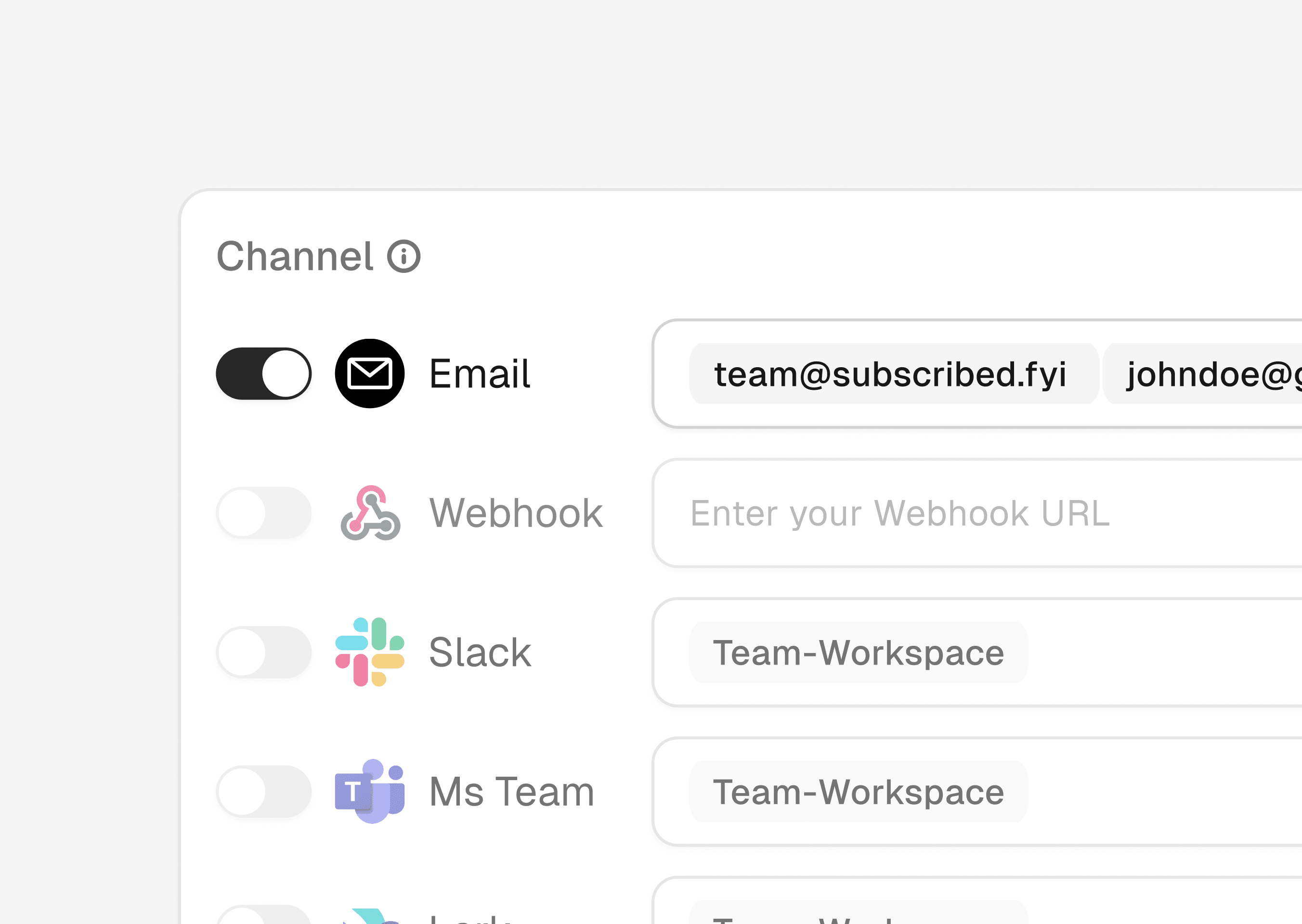
Under Channels, select Email to receive updates in your inbox.
Step 3: Choose Email delivery
Under Channels, select Email to receive updates in your inbox.
Step 3: Choose Email delivery
Under Channels, select Email to receive updates in your inbox.
Step 4: Add recipients
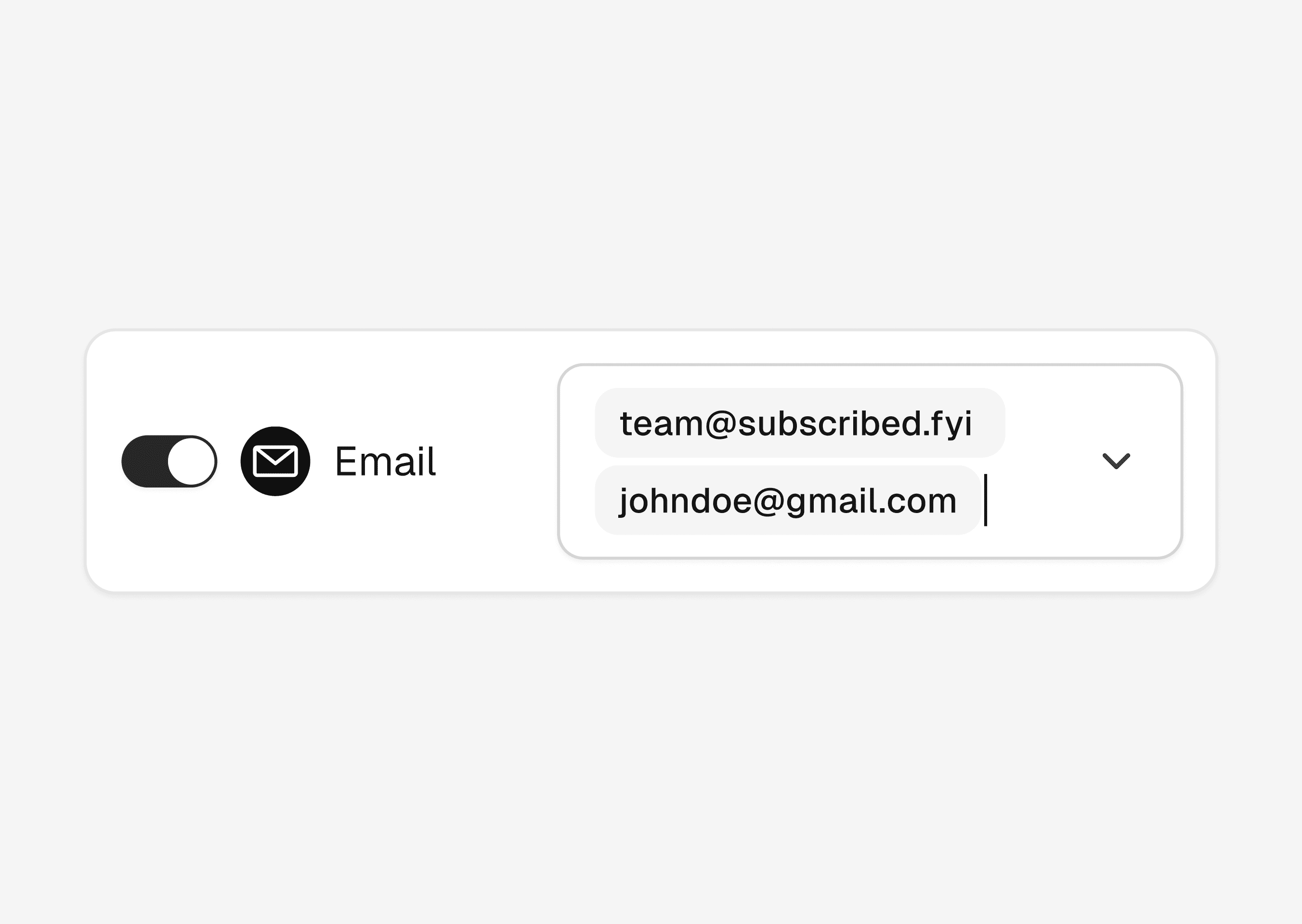
Add one or more email addresses. Perfect for teams that need shared visibility.
Step 4: Add recipients
Add one or more email addresses. Perfect for teams that need shared visibility.
Step 4: Add recipients
Add one or more email addresses. Perfect for teams that need shared visibility.
Step 5: Control the signals
Choose the brands, review sources, and social platforms you want to track. Apply filters so only high-signal updates are sent.
Your inbox stays clean. Your team stays informed.
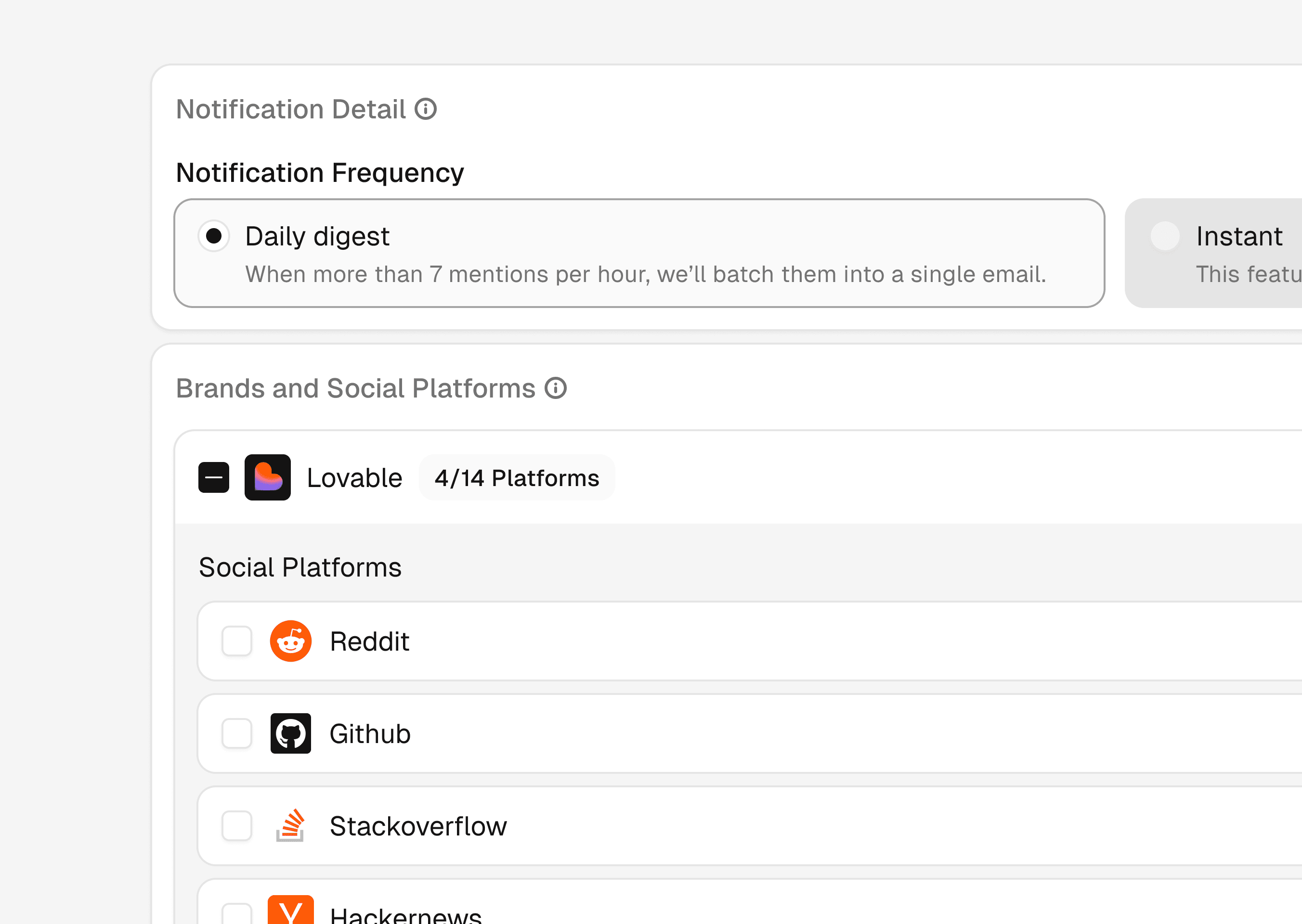
Step 5: Control the signals
Choose the brands, review sources, and social platforms you want to track. Apply filters so only high-signal updates are sent.
Your inbox stays clean. Your team stays informed.
Step 5: Control the signals
Choose the brands, review sources, and social platforms you want to track. Apply filters so only high-signal updates are sent.
Your inbox stays clean. Your team stays informed.